Pricing & channels
Rates, fees, taxes and promotions — and every booking site they reach.
13 videos · 36 minutes
The big picture
Channels & Payments
Where your homes are listed and how you get paid: your channels, every channel you can add, Airbnb set up step by step with its own guide, the Booking.com and Vrbo guides, payment methods, pricing rules, dynamic pricing, smart locks and billing. Shown live on a real Rentibly workspace.
Step by step
How-to: Pricing & Revenue
11 films · 27 min · Playlist on YouTube
 3:25
3:25How-to · Part 1
Setting a property's rates
How a night is priced, base rates and long-stay tiers, minimum and gap nights, seasons, price exceptions — and checking what a stay costs on every channel. Shown live on a real Rentibly workspace.
 2:13
2:13How-to · Part 2
Price lists for each channel
Charge differently depending on where the booking comes from: create a price list, copy and mark it up, assign it to a channel, and check the result. Shown live on a real Rentibly workspace.
 2:22
2:22How-to · Part 3
Booking rules
Decide which stays a home takes: cancellation policy, maximum stay, advance notice, arrival days, booking window, who the home suits, and the house rules the booking sites show. Shown live on a real Rentibly workspace.
 2:32
2:32How-to · Part 4
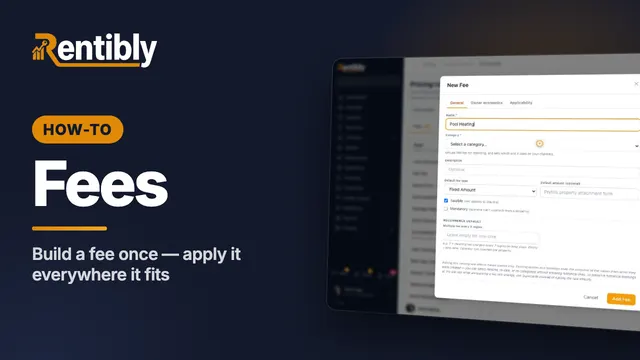
Fees
Create a fee once for your whole account: name, category, type and amount, who keeps the money, and which properties and bookings it applies to. Shown live on a real Rentibly workspace.
 2:19
2:19How-to · Part 5
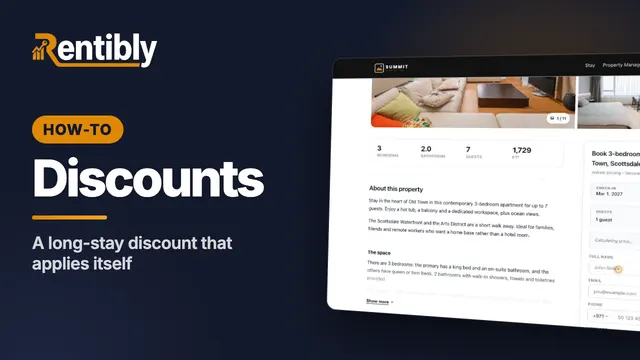
Discounts
Set up your own discount for direct and website bookings — a long-stay discount that applies itself — and see it come off the price. Shown live on a real Rentibly workspace.
 2:03
2:03How-to · Part 6
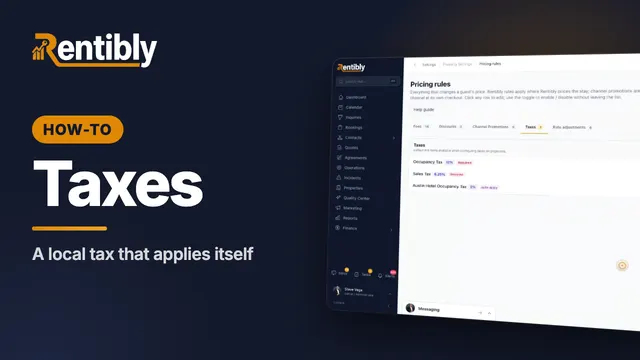
Taxes
Add a local tax: name and category, rate, dates and authority, where the money goes, which homes it applies to — and how to change a rate safely. Shown live on a real Rentibly workspace.
 2:43
2:43How-to · Part 7
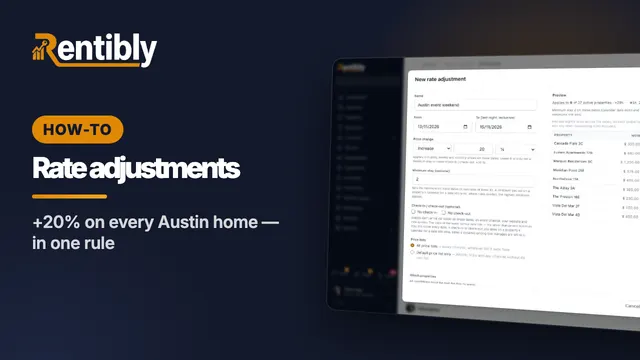
Rate adjustments
Raise or lower prices on many homes at once for set dates: price change, minimum stay, arrival rules, which price lists and homes — with a live preview, and pause to undo. Shown live on a real Rentibly workspace.
 2:07
2:07How-to · Part 8
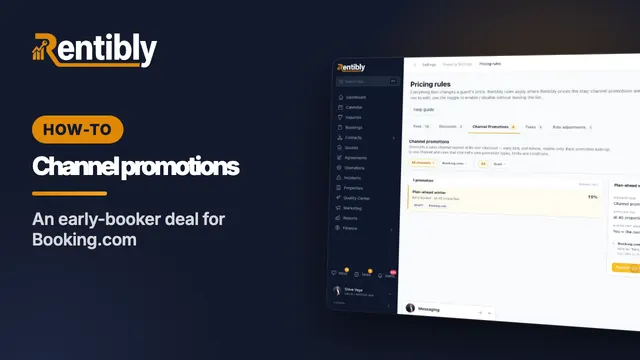
Channel promotions
Set up a deal that a booking site runs at its own checkout: pick the channel and its promotion type, the discount and conditions, who absorbs it — saved as a draft until you publish. Shown live on a real Rentibly workspace.
 2:27
2:27How-to · Part 9
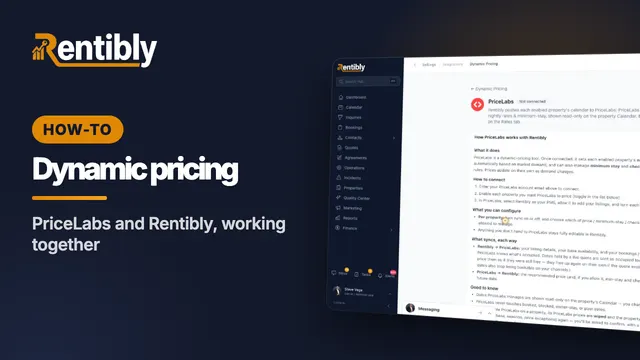
Dynamic pricing with PriceLabs
How PriceLabs works with Rentibly: connecting, what it manages per property, what syncs each way, the rules it follows — and the one switch to remember. Shown live on a real Rentibly workspace.
 2:07
2:07How-to · Part 10
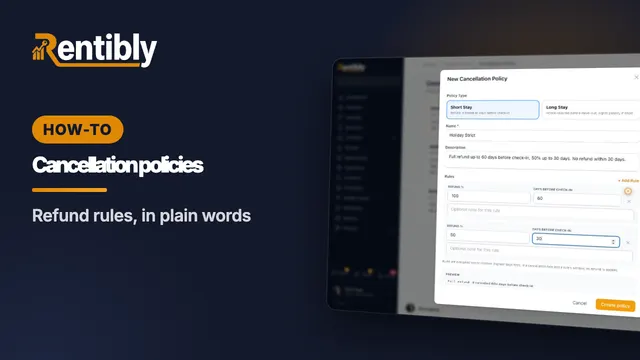
Cancellation policies
Set the refund guests get when they cancel: short-stay and long-stay policies, refund rules with a live preview, defaults, and where each policy applies. Shown live on a real Rentibly workspace.
 2:20
2:20How-to · Part 11
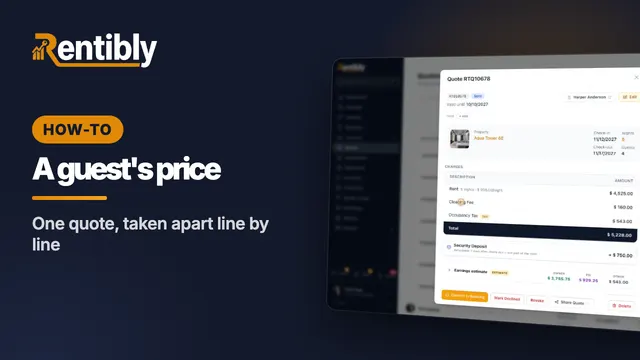
How a guest's price is built
One real quote taken apart: the nightly rent, discounts, fees, taxes and total — the security deposit, where the money goes, the payment schedule and the cancellation policy. Shown live on a real Rentibly workspace.
Prefer to read?
Step-by-step guides
- List a property on Airbnb, Booking.com or another channel
- Change nightly rates and minimum stay
- Set a property's booking rules
- Change prices across properties for chosen dates
- Set up pricing rules — fees, taxes and discounts
- Set up a pet fee
- Set up cancellation policies
- Connect dynamic pricing
- Run a promotion on a booking channel
- Fix channel bookings that need attention
More topics
Count your subscriptions. Then count ours.
A 30-minute demo on your numbers — every tool you pay for today, mapped to its native Rentibly module.
Book a demo