Rentibly Channels & Payments — Overview
4:19 · 11 chapters · Watch on YouTube
Chapters
Read the transcript
Hey, and welcome to this overview of channels and payments in Rentibly. We'll look at where your homes are listed, open Airbnb to see how a channel is set up and run — with its own step-by-step guide — then how guests pay you, the rules behind a guest's price, dynamic pricing, smart locks and your billing. Here's everything we'll cover. Every chapter's start time is right here, and in your player — so if you're after something specific, jump straight to it. Let's dive in.
Channels and OTAs is where your homes go out to the world. Your own website, and website widgets — direct bookings, straight to you. Then the big booking sites: Airbnb, Booking.com and Vrbo. For each one: how many homes are on it, and any markup for that channel.
Add Channel shows everything you can connect: your website and widgets, the regional property portals Bayut and Property Finder, Airbnb, Booking.com and Vrbo, and more besides — Marriott's Homes and Villas, Trip.com, Agoda, HomeToGo, Google Vacation Rentals, and Emerging Travel Group. Each card says what it syncs.
Every channel has its own setup, and its own guide — here's Airbnb. Connecting it is a checklist of five steps: your account details, entered once for every channel. Airbnb's cancellation policies. A few account settings. Authorizing your Airbnb host account. And then connecting your homes. It takes about ten minutes.
Not sure where to start? The Help guide. It opens with how the connection works: your listing content, prices, availability and rules go from Rentibly to Airbnb within seconds of saving — and bookings, guest messages and reviews come back into Rentibly. One place to manage it all. Then each step of getting connected, screen by screen: what to have ready before you start, the account settings Airbnb needs, authorizing on Airbnb, and connecting a property.
And once you're live, how it all runs: pricing and occupancy, Airbnb promotions, how guests book, bookings and changes, guest messages, reviews, and keeping your listings in sync. Plus what to do if a listing gets blocked, and answers to the questions everyone asks.
Booking.com and Vrbo each have a guide of their own too, written for how that site works — Booking.com's card payments and deals, or Vrbo's Expedia Group ID.
Card payments run through your own Stripe account, connected under Payment processors. For everything else — a bank transfer, cash, a cheque — add a payment method. A name, the instructions the guest sees on their quote — your bank details, and what to put as the reference — and where it lands in your books. Save, and it's ready to choose on any quote.
Pricing rules are everything that changes a guest's price: fees like late check-out or a pet fee, discounts, channel promotions, and taxes — each with its rate, and whether it's required. Switch one off, and it stops applying straight away.
Dynamic Pricing connects PriceLabs, so your nightly rates update themselves. And Door access connects your smart locks — every booking gets its own code that works only for that stay, and every cleaner gets one for their job. And Subscription and Billing shows your plan, how many homes you're billed for, your card, and your invoices.
Thanks so much for watching! If you're already on Rentibly, open Settings, Channels and OTAs, and check every home is where it should be. And if you're not on Rentibly yet, book a demo call, and we'll show you all of this, live.
Where your homes are listed and how you get paid: your channels, every channel you can add, Airbnb set up step by step with its own guide, the Booking.com and Vrbo guides, payment methods, pricing rules, dynamic pricing, smart locks and billing. Shown live on a real Rentibly workspace.
Up next
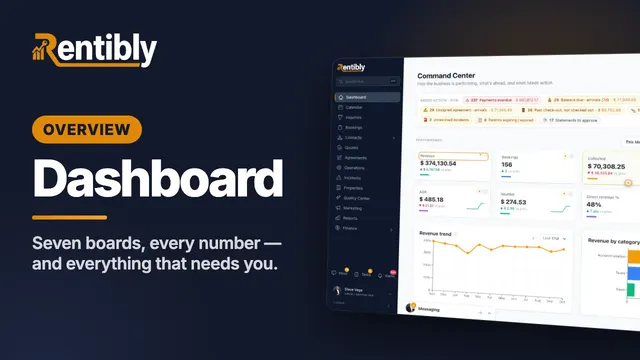 11:01
11:01Overview
Dashboard
Every board on the Rentibly dashboard, shown live on a real workspace: what needs action today, how the business is performing, your sales pipeline, your team, and your money — and how to click any number to see the records behind it.
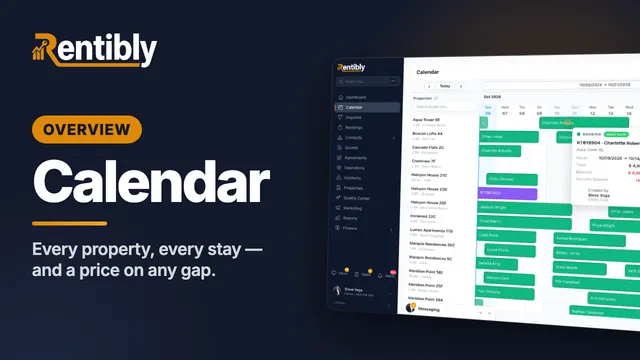 4:57
4:57Overview
Calendar
Read every property and every stay at a glance, get anywhere in the year in a couple of clicks, find exactly the right gap — and price it on the spot. Shown live on a real Rentibly workspace.
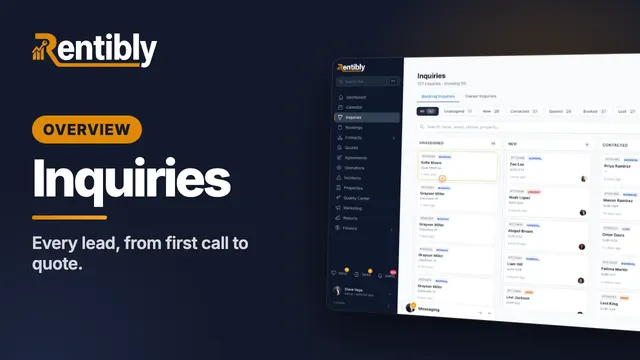 5:25
5:25Overview
Inquiries
Where every lead lands, how to find any of them in seconds — then one lead worked from the first phone call all the way to a quote: assigning, contacting, notes and @mentions, tasks, and what happens when a lead goes quiet. Shown live on a real Rentibly workspace.
Count your subscriptions. Then count ours.
A 30-minute demo on your numbers — every tool you pay for today, mapped to its native Rentibly module.
Book a demo