Setting a property's rates — Rentibly How-to
How-to: Pricing & Revenue · Part 1 of 11 · 3:25 · 11 chapters · Watch on YouTube
Chapters
Read the transcript
Hey, and welcome to this Rentibly how-to: setting a property's rates. We'll see how Rentibly prices every night, set the base rates, add a season, and check exactly what a stay costs on each channel. Here's what we'll cover — the chapter times are right here, and in your player. Let's get started.
Every home's prices live on its Rates tab: open the property, go to Configurations, then Rates. Before we change anything, the Guide explains the one rule pricing follows.
Every night of a stay is priced on its own. For each night, Rentibly asks which price covers that date, and the highest-ranking one wins: a dynamic-pricing tool, if you use one; then a price exception — a price you set for specific dates; then a season; and otherwise, the base rate.
Prices sit in a price list. Every home starts with one called Default — it's what Airbnb sells from, along with any channel that hasn't been given a list of its own. You can add more lists for different channels; we cover those in the next film.
First, the base rates — what this home charges when nothing else applies. A nightly price, a weekly price for stays of seven nights or more, and a monthly price from twenty-eight nights. Switch to percent, and you see each one as a discount off the nightly price: ten percent off for a week, thirty for a month.
Under them: the minimum stay — two nights here. Gap nights: when the gap between two bookings is shorter than your minimum, those nights would sit empty — set a number here, and they're offered to shorter stays, at a discount if you like. And how many guests the price includes, so per-guest fees only charge the extra ones.
Then seasons: dates with their own prices. Summer high season, spring break, a cheaper winter, and the holidays — each with its own nightly, weekly and monthly prices, its own minimum stay, and a priority, for when two seasons overlap: the higher number wins.
Let's add one. Edit, then Add Row. A name — Late Autumn. The nightly price, and a weekly price for longer stays. A three-night minimum. Priority ten. From the second of November to the twenty-second. And Save — the new season is live on this home straight away.
Price exceptions are prices for particular dates that beat any season — Thanksgiving, or a big local event. You add them here, or by dragging across dates on the property's calendar.
And to see what a stay actually costs, use Rate check. Pick the dates — a five-night stay in our new season — and the guests, then Check. It prices the stay on each channel: direct, the website, Airbnb and Booking.com — one thousand three hundred and ninety-five dollars a night here, six thousand nine hundred and seventy-five for the five nights.
Thanks so much for watching! If you're already on Rentibly, open a property's Rates tab and add your next season. And if you're not on Rentibly yet, book a demo call, and we'll show you all of this, live.
How a night is priced, base rates and long-stay tiers, minimum and gap nights, seasons, price exceptions — and checking what a stay costs on every channel. Shown live on a real Rentibly workspace.
More in Pricing & Revenue
 2:13
2:13How-to · Part 2
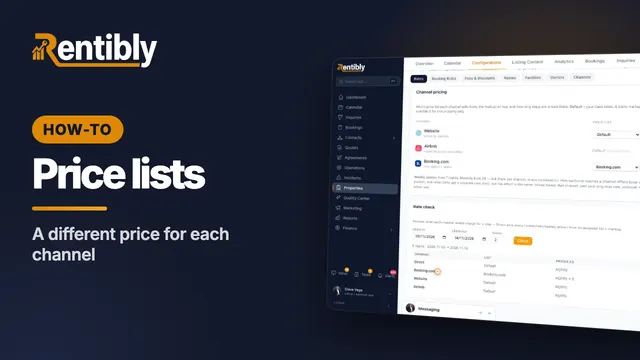
Price lists for each channel
Charge differently depending on where the booking comes from: create a price list, copy and mark it up, assign it to a channel, and check the result. Shown live on a real Rentibly workspace.
 2:22
2:22How-to · Part 3
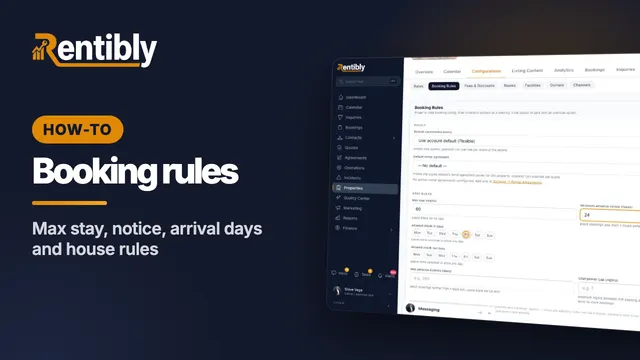
Booking rules
Decide which stays a home takes: cancellation policy, maximum stay, advance notice, arrival days, booking window, who the home suits, and the house rules the booking sites show. Shown live on a real Rentibly workspace.
 2:32
2:32How-to · Part 4
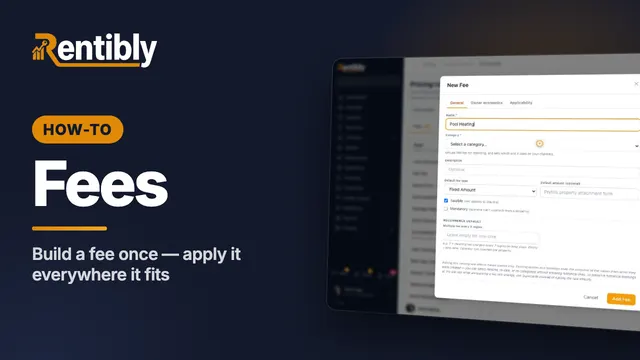
Fees
Create a fee once for your whole account: name, category, type and amount, who keeps the money, and which properties and bookings it applies to. Shown live on a real Rentibly workspace.
 2:19
2:19How-to · Part 5
Discounts
Set up your own discount for direct and website bookings — a long-stay discount that applies itself — and see it come off the price. Shown live on a real Rentibly workspace.
 2:03
2:03How-to · Part 6
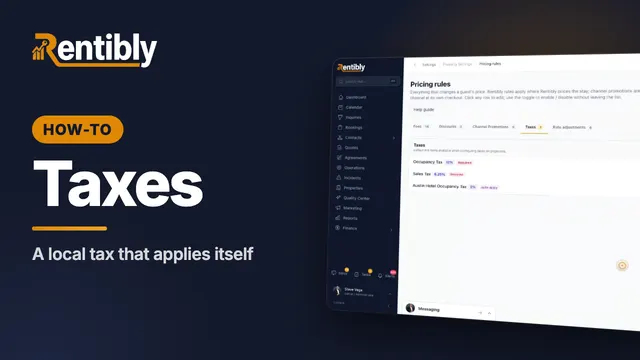
Taxes
Add a local tax: name and category, rate, dates and authority, where the money goes, which homes it applies to — and how to change a rate safely. Shown live on a real Rentibly workspace.
 2:43
2:43How-to · Part 7
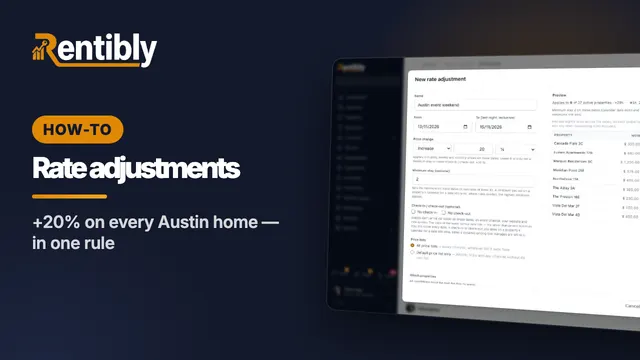
Rate adjustments
Raise or lower prices on many homes at once for set dates: price change, minimum stay, arrival rules, which price lists and homes — with a live preview, and pause to undo. Shown live on a real Rentibly workspace.
Count your subscriptions. Then count ours.
A 30-minute demo on your numbers — every tool you pay for today, mapped to its native Rentibly module.
Book a demo