Change a booking's dates or move it to another property
Updated 13 October 2026
Use Modify Booking to change a booking's dates, move it to another property, or change its guest count, source, linked guest or cancellation policy. For dates and moves, Rentibly checks availability first and shows what the price would be.
Steps
Go to Bookings and open the booking.
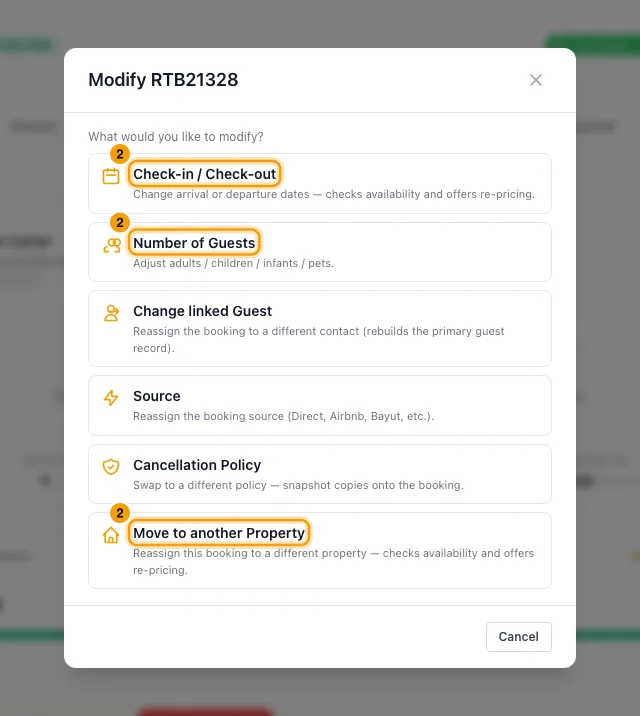
Click Modify Booking in the bar at the bottom, and pick what to change.
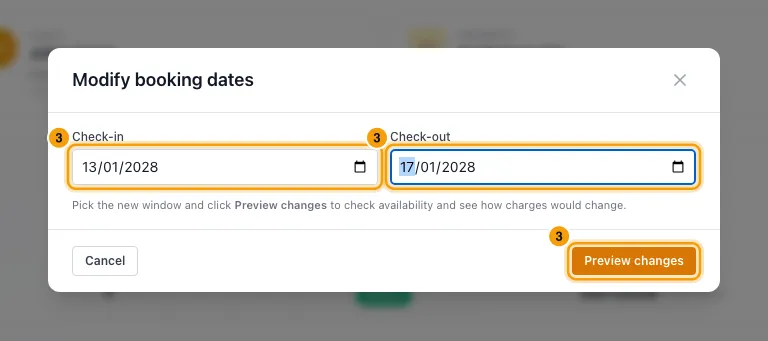
Check-in / Check-out: enter the new Check-in and Check-out dates and click Preview changes.
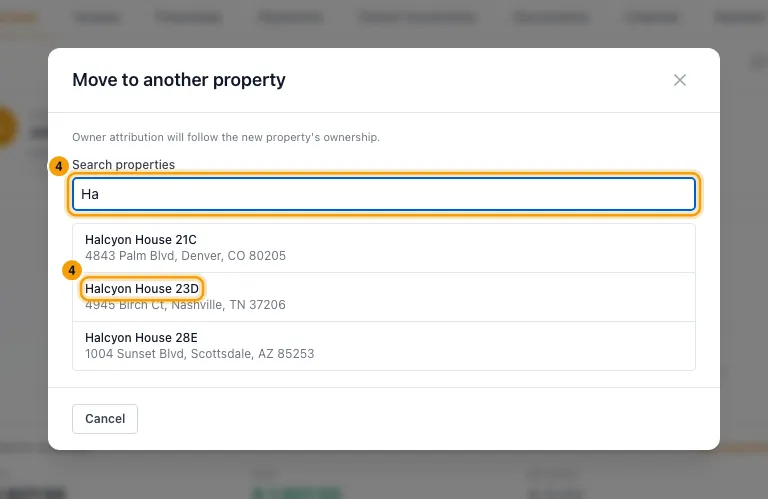
Move to another Property: type at least two letters under Search properties and click the property.
For a date change or a move, compare the two price columns, then click one:
- Keep current charges: changes the dates or property and leaves the price as it is.
- Apply recalculated charges: prices the booking again for the new dates or property.
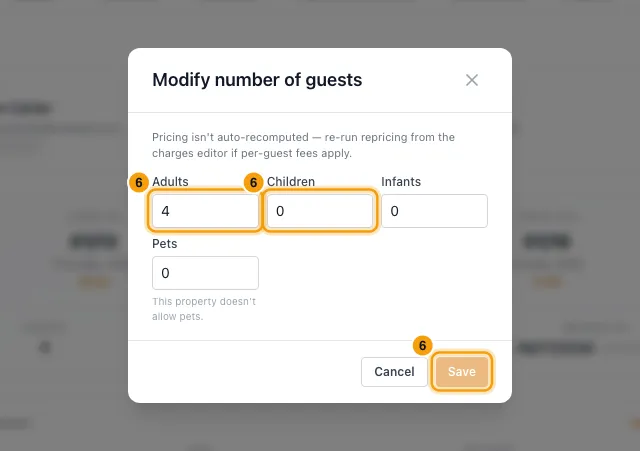
Number of Guests: change Adults, Children, Infants or Pets, then click Save.
Source: pick the new Source and click Save.
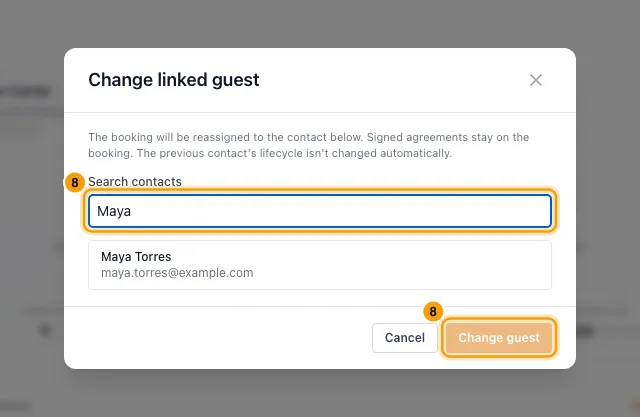
Change linked Guest: search for the contact, click them, then click Change guest.
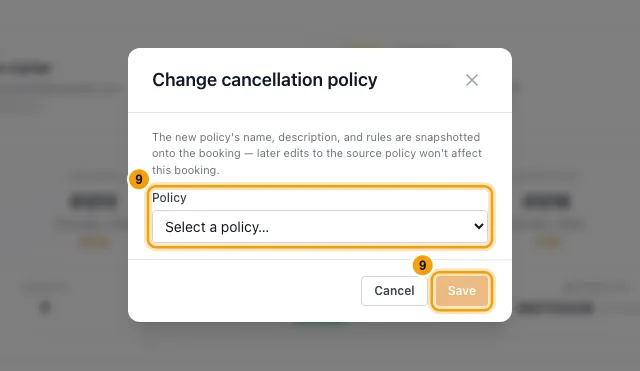
Cancellation Policy: pick the Policy and click Save.
Good to know
- Clashes: if the new dates, or the dates on the target property, overlap another booking, block or owner stay, you can't save. The window names what is in the way.
- Keep current charges keeps the total rent. On a date change, the nightly rate is worked out again for the new number of nights.
- Apply recalculated charges:
- It replaces the rent and the priced fees, taxes and discounts with a new price, the same way a quote is priced.
- Charges added with + Add Charge, and upsells the guest bought in the Guest Portal, stay.
- Every other line is replaced, including lines you added or changed with Edit on the Financials tab.
- It can be greyed out when Rentibly can't price the new dates or property. The window says why. You can still click Keep current charges.
- A Pet Fee is included only if the booking has pets and the property allows them. When the booking already has a Pet Fee that would be removed, the preview says so above the comparison — which fee, and whether it's because the property doesn't allow pets or the booking has no pets recorded. Click Keep current charges to keep it. A Pet Fee you added with + Add Charge is never removed.
- It is refused on a booking that is fully paid out and locked. Unlock it under Owner Economics first.
- After a date change or a move, owner commission is worked out again. After a move, the booking belongs to the new property's owners; the preview lists them.
- A date change or a move updates the calendar and your connected channels' availability. It also starts notification rules on Booking modified (dates, times or property changed). Jobs your automations created for the booking move with it, unless the automation is set to keep them.
- Number of Guests doesn't change the price. If the pet count changes, add or remove the Pet Fee yourself on the Financials tab. Adults must be at least 1.
- If the pets break the property's rules (pets not allowed, more than Max pets, or no Max pets set), Number of Guests shows a warning under Pets. It doesn't stop you saving.
- Change linked Guest moves the booking, and its primary guest on the Guests tab, to the new contact. Signed agreements stay on the booking. The previous contact is not changed.
- Cancellation Policy only lists active policies. The policy's rules are copied onto the booking, so later edits to the policy don't affect it.
- Bookings from a connected channel (such as Airbnb):
- Check-in / Check-out, Source, Cancellation Policy and Move to another Property are disabled. Change them on the channel, or disconnect the booking on its Channel tab to take it over.
- Number of Guests still works. It only changes the booking in Rentibly: the channel isn't told and the price stays what the channel charged. If the channel later changes the guest count itself, its count replaces yours.
- Change linked Guest still works.
- Modify Booking isn't shown on cancelled or no-show bookings. Reactivate the booking first; see "Cancel a booking or mark a no-show".
- You need Edit on Bookings.
Rentibly AI can help
- Rentibly AI can't change a booking's dates, property, guest count, source or policy yet. Use Modify Booking.
Still stuck?
Open Support from your profile menu in Rentibly, or email hello@rentibly.com — we answer fast.