Documents and permits — Rentibly How-to
How-to: Setting Up a Property · Part 7 of 10 · 2:27 · 7 chapters · Watch on YouTube
Chapters
Read the transcript
Hey, and welcome to this Rentibly how-to: documents and permits. We'll record our Denver loft's permit, then file its insurance and safety paperwork — with dates that warn you before they lapse. Here's what we'll cover — the chapter times are right here, and in your player. Let's get started.
Every home comes with paperwork. Rentibly keeps it in two places: the permit details, on the Overview, and the files themselves, on the Documents tab. Permits first. Edit the property summary.
The permit number, the date it was issued, and the date it expires. And when the insurance runs out. Save. Thirty days before the permit expires, Rentibly alerts your managers, and the home turns up under Expiring on the Properties list. Once a booking site is connected, the permit number goes to it too — many cities require it on the listing.
Now the files. Documents, then Upload — we'll add two: the insurance certificate, and last year's fire safety inspection. Each file gets a name, tags if you use them, a short description, and — this is the useful bit — an expiry date. The insurance runs to the end of March. The fire inspection is due again on the twenty-eighth of October. Upload.
See the colors? The fire inspection expires within thirty days, so it's amber; past its date, it turns red. Rentibly doesn't send reminders for document dates — these colors, and the Overview, are your warning.
The star pins a file to the Overview. And from the menu, Show to owner puts a file in the owners' portal — here, the insurance certificate. Owners aren't notified; it's simply there next time they look. Back on the Overview, Key Documents shows the pinned files — and flags anything expiring soon, so it's the first thing you see.
Thanks so much for watching! If you're already on Rentibly, open a home's Documents tab, and give every file that can expire its expiry date. And if you're not on Rentibly yet, book a demo call, and we'll show you all of this, live.
Record a home's permit and insurance dates, upload its documents with expiry dates, and pin and share the ones that matter. Shown live on a real Rentibly workspace.
More in Setting Up a Property
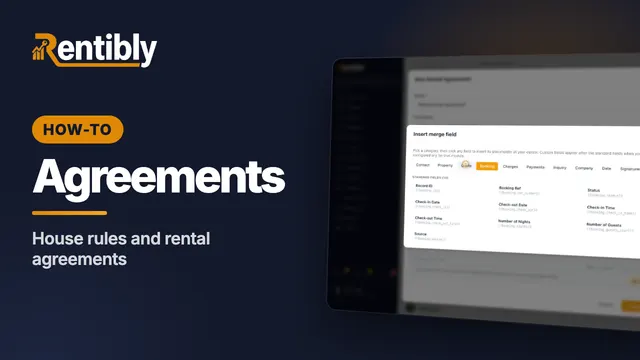 3:15
3:15How-to · Part 8
House rules and rental agreements
Manage house rules in one library and assign them to homes, then write a rental agreement with merge fields and attach it to a home. Shown live on a real Rentibly workspace.
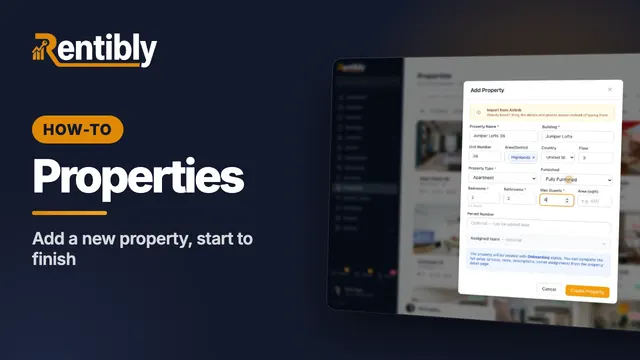 3:24
3:24How-to · Part 1
Adding a new property
Add a home from scratch: the Add Property form, the team who looks after it, the details on its page, the map pin, and taking it live. Shown live on a real Rentibly workspace.
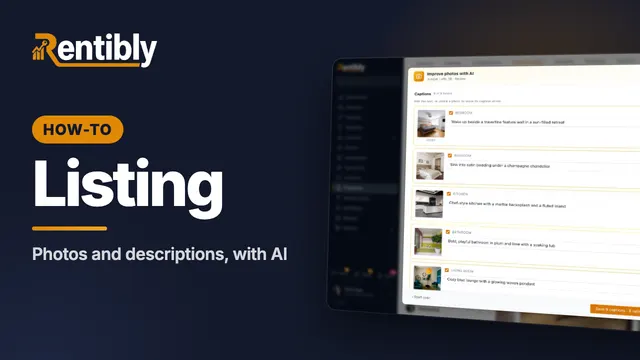 3:45
3:45How-to · Part 2
Photos and descriptions
Upload a home's photos, let AI caption, rate and order them, then write the website description with AI and copy it to the booking sites. Shown live on a real Rentibly workspace.
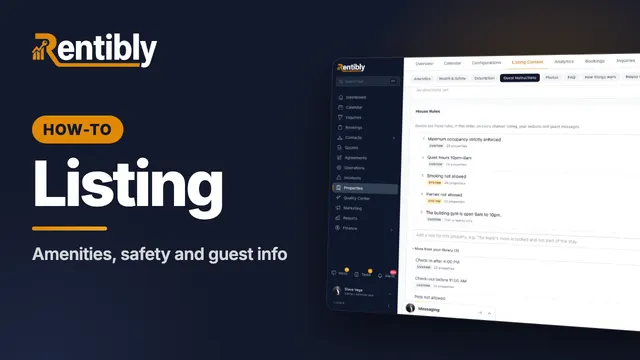 3:40
3:40How-to · Part 3
Amenities, safety and guest info
Tick a home's amenities and safety features, set its check-in details, WiFi and house rules, and answer the questions guests always ask. Shown live on a real Rentibly workspace.
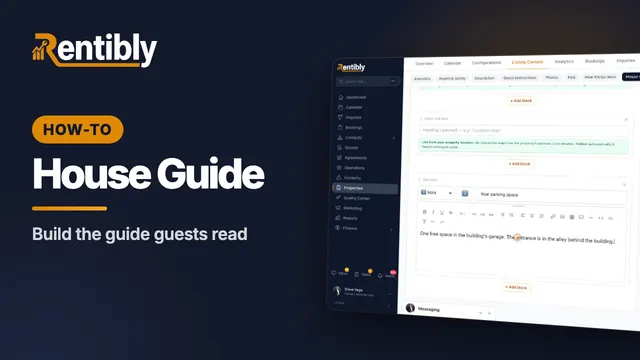 2:44
2:44How-to · Part 4
The house guide
Write the how-tos guests look up mid-stay, then build the house guide they read during their stay — with blocks that keep themselves up to date. Shown live on a real Rentibly workspace.
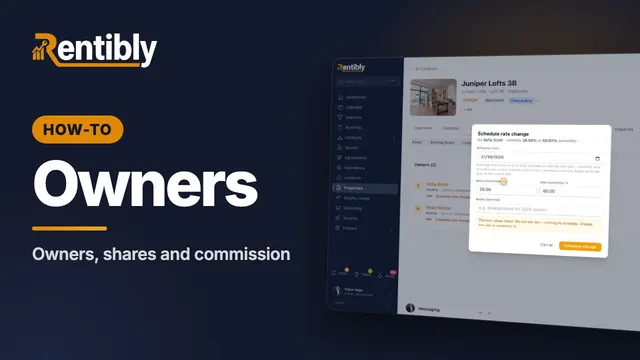 2:01
2:01How-to · Part 5
Owners and commission
Link a home to its owners: shares for co-owners, your commission, payout frequency, owner-paid taxes, and changing the rate from a future date. Shown live on a real Rentibly workspace.
Count your subscriptions. Then count ours.
A 30-minute demo on your numbers — every tool you pay for today, mapped to its native Rentibly module.
Book a demo