Amenities, safety and guest info — Rentibly How-to
How-to: Setting Up a Property · Part 3 of 10 · 3:40 · 9 chapters · Watch on YouTube
Chapters
Read the transcript
Hey, and welcome to this Rentibly how-to: amenities, safety and guest info. We'll fill in everything a guest needs to know about our Denver loft — before they book, and once they arrive. Here's what we'll cover — the chapter times are right here, and in your player. Let's get started.
Amenities first. Juniper Lofts has none listed yet, so — Edit, and tick what the home has. Wifi, air conditioning, a washer and a TV. A coffee maker and a dishwasher. And in the building: an elevator, free parking, and a gym.
Further down are expectations — things guests should know before they book, like stairs, noise, or cameras outside. They go out to your booking sites with the rest of your amenities. None apply here, so: Save. Nine amenities, saved. Your website lists them on the home's page, and the booking sites get them too. You can add your own amenities in Settings — they'll show on your website, but the booking sites only take the ones they recognise.
Next, Health and Safety. These switches save the moment you click them. A deadbolt lock. A smoke detector, a carbon monoxide detector, a fire extinguisher, and a first aid kit. The bar at the top tracks how much is set. The pencil adds a note for your team — say, where the fire extinguisher is kept. Save. Those notes stay internal, while the features themselves go out to the booking sites as safety amenities.
Guest Instructions is what a guest needs to arrive and settle in. Start with the check-in and check-out times — until you set them, this home's quotes and bookings show no arrival or departure time. Edit, and the usual three in the afternoon and eleven in the morning are filled in for you. Save. Check-in instructions: how to get in and find the door. These show in the guest's house guide. Keep door codes out of it — those go to the guest separately. Save.
Below that: check-out instructions, a house manual, and the WiFi. The network name and password — Rentibly AI can share them with confirmed guests, if you let it, and once a booking site is connected, they're sent there too. Save.
There are cards for parking and directions, too. Then house rules: guests see these, in this order, on every channel listing, your website, and their messages. Your library already has the common ones — open More from your library, and switch on no smoking, no parties, quiet hours, and the occupancy limit. Then add one just for this home: the building's gym is open six till ten.
Last, FAQs: the questions guests always ask. Add FAQ. Is there parking? Yes — one free space in the building's garage. Guest visible, and published to the booking sites. Choose Internal only, and an answer stays with your team. Save. Rentibly AI uses guest-visible answers when guests message you, and they appear in the house guide, too — which is the next film.
Thanks so much for watching! If you're already on Rentibly, open a home's Guest Instructions, and make sure every card has something in it. And if you're not on Rentibly yet, book a demo call, and we'll show you all of this, live.
Tick a home's amenities and safety features, set its check-in details, WiFi and house rules, and answer the questions guests always ask. Shown live on a real Rentibly workspace.
More in Setting Up a Property
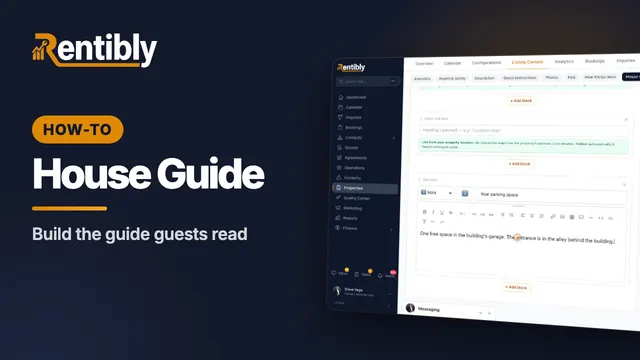 2:44
2:44How-to · Part 4
The house guide
Write the how-tos guests look up mid-stay, then build the house guide they read during their stay — with blocks that keep themselves up to date. Shown live on a real Rentibly workspace.
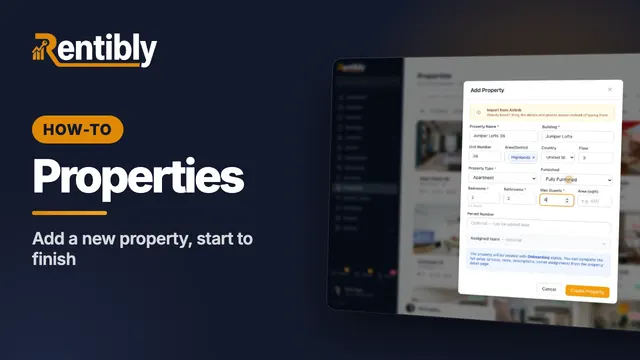 3:24
3:24How-to · Part 1
Adding a new property
Add a home from scratch: the Add Property form, the team who looks after it, the details on its page, the map pin, and taking it live. Shown live on a real Rentibly workspace.
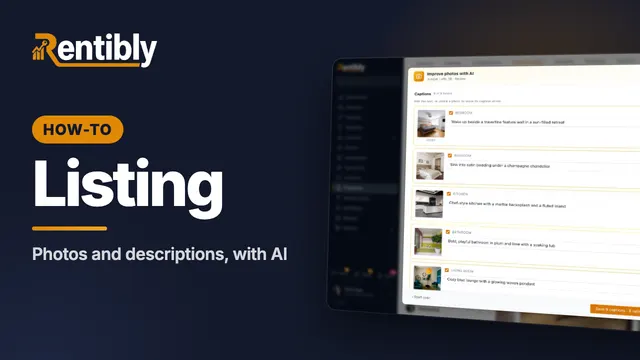 3:45
3:45How-to · Part 2
Photos and descriptions
Upload a home's photos, let AI caption, rate and order them, then write the website description with AI and copy it to the booking sites. Shown live on a real Rentibly workspace.
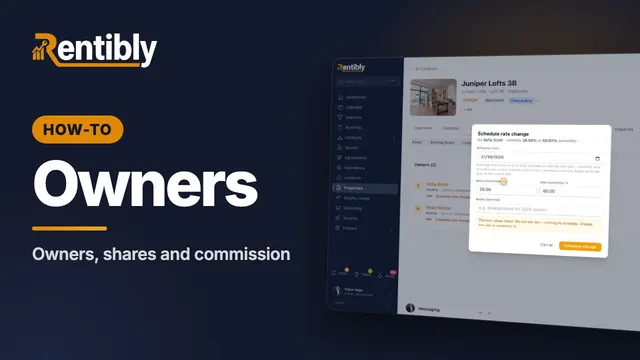 2:01
2:01How-to · Part 5
Owners and commission
Link a home to its owners: shares for co-owners, your commission, payout frequency, owner-paid taxes, and changing the rate from a future date. Shown live on a real Rentibly workspace.
 3:45
3:45How-to · Part 6
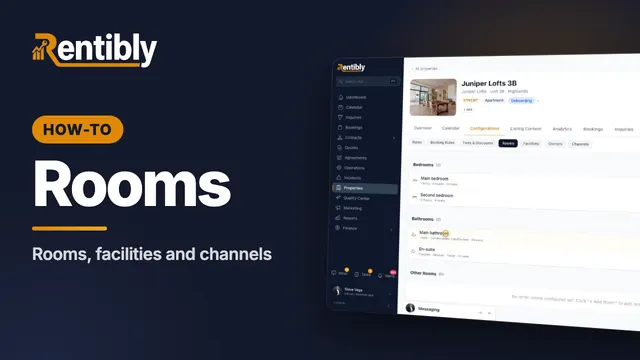
Rooms, facilities and channels
Describe each bedroom and bathroom, record access codes, utility accounts, building contacts and building info, and see where a home is listed. Shown live on a real Rentibly workspace.
 2:27
2:27How-to · Part 7
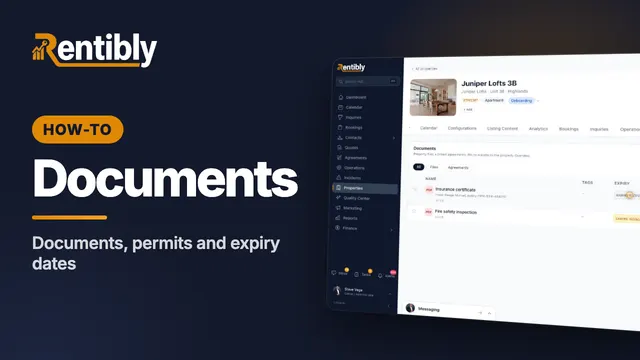
Documents and permits
Record a home's permit and insurance dates, upload its documents with expiry dates, and pin and share the ones that matter. Shown live on a real Rentibly workspace.
Count your subscriptions. Then count ours.
A 30-minute demo on your numbers — every tool you pay for today, mapped to its native Rentibly module.
Book a demo