Review blocked senders and message reports
Updated 13 October 2026
One Settings page shows every sender you've blocked from the Inbox, every guest message your team has reported, and every message reported in Rentibly Connect. From there you can unblock someone or mark a report as handled.
Steps
Click your name at the bottom of the sidebar, then Settings. Under Communication, open Blocks & Reports.
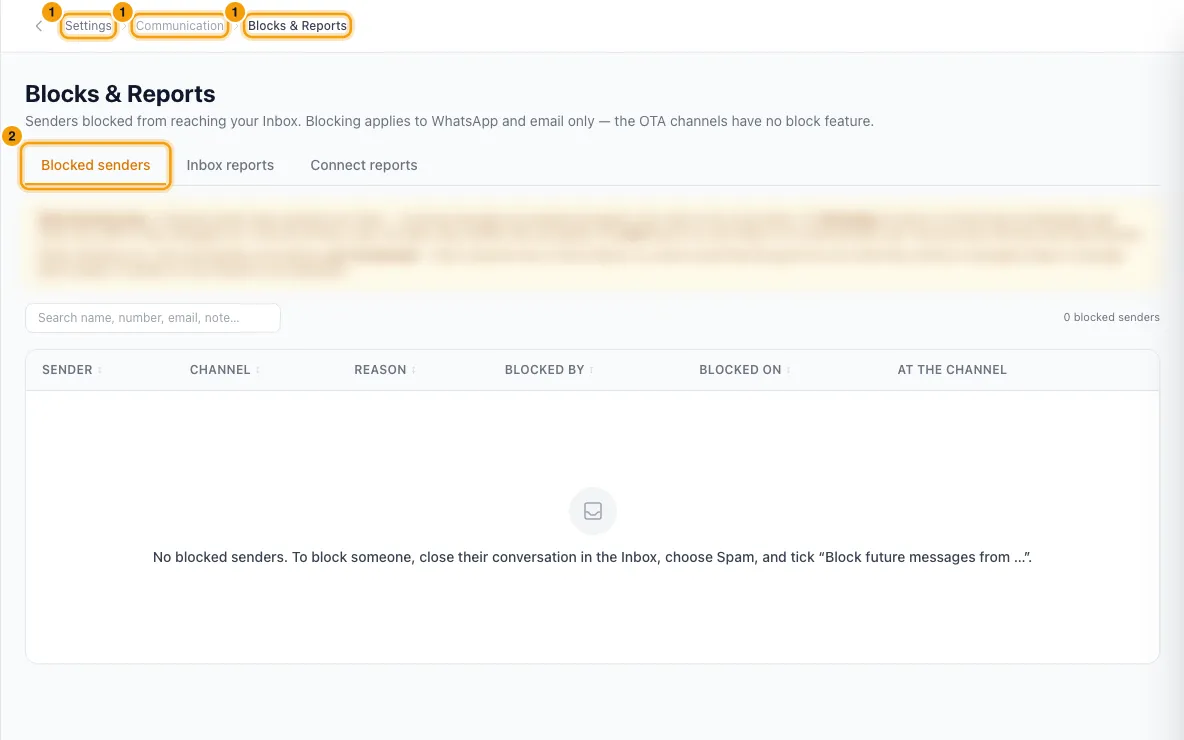
Open the Blocked senders tab to see who is blocked: the sender, Channel, Reason, Blocked by, Blocked on and At the channel.
To let someone message you again, click Unblock on their row, then Unblock to confirm.
Open the Inbox reports tab to see guest messages your team reported. Use the Open, Reviewed, Dismissed and All filters.
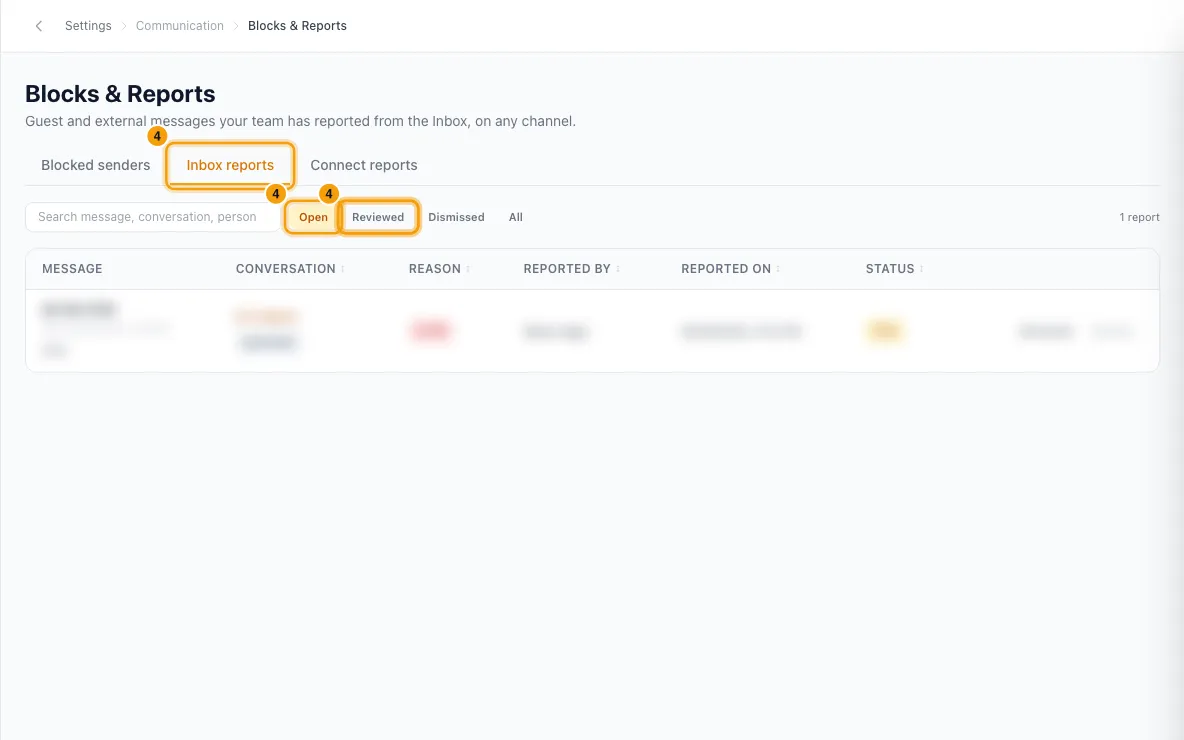
On a report, click Reviewed or Dismiss once you've dealt with it. Click Reopen to put it back in the queue. Click the conversation number to open it in the Inbox.
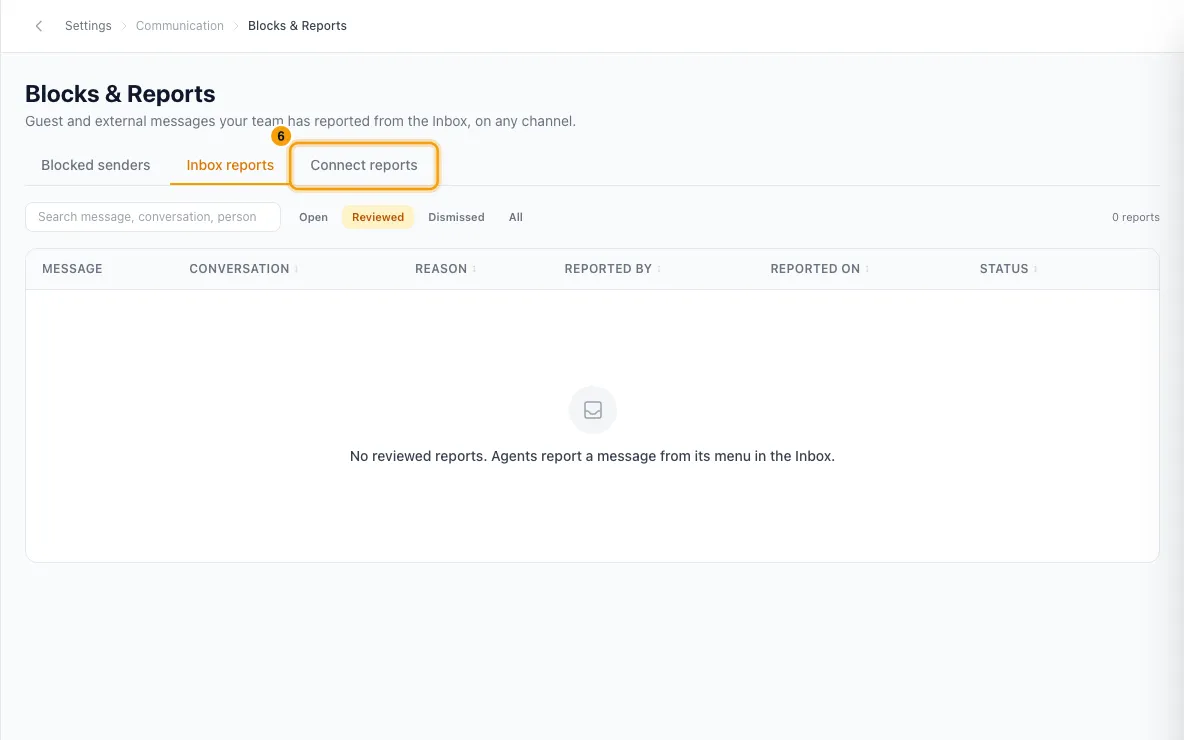
Open the Connect reports tab to review messages reported by your team in Rentibly Connect, with the same filters and buttons.
How things get here
- Blocking a sender: in the Inbox, set the conversation's status to Closed, choose Spam and tick Block future messages from. See Clean spam, marketing and newsletters out of the Inbox.
- Reporting an Inbox message: open the message's menu (the arrow on a guest's message) and click Report message. Pick a Reason (Spam, Abusive or threatening, Harassment, Scam or fraud, Inappropriate content or Something else), add any Detail and click Report.
- Reporting a Connect message: anyone can report a message from its menu in Connect.
Good to know
- Only email and WhatsApp senders can be blocked. Airbnb, Booking.com and Vrbo have no block feature; report the message instead, or handle it on the channel's own dashboard.
- A blocked sender's new messages are dropped and your team can't reply to them. They are never told.
- At the channel says what else happened. On WhatsApp, Rentibly also tries to block the number on WhatsApp itself, which only works if they messaged you in the last 24 hours; the row says whether it worked. Email blocks are enforced in Rentibly only.
- Unblocking also lifts the WhatsApp-side block when there was one.
- Reporting a message doesn't block the sender and doesn't tell them. Any guest message can be reported, on any channel, but not emails or your team's own messages.
- Marking a report Reviewed or Dismiss doesn't change or delete the message. It records who reviewed it and when.
- Connect reports don't remove the message either; only its author can delete it. To act on a person, remove them from the channel in its member list, or deactivate their account under Settings → Users.
- Use the search box and channel filter to narrow either list.
- You need the Settings permission to open this page. Unblocking and reviewing Inbox reports also need the Inbox permission.
Rentibly AI can help
- It can close many junk conversations as spam and block the senders you tick on its card. It can't list or lift blocks, or review reports.
Still stuck?
Open Support from your profile menu in Rentibly, or email hello@rentibly.com — we answer fast.