Connect WhatsApp Business and create message templates
Updated 13 October 2026
Connect a WhatsApp Business number so your team can message guests, owners and vendors from the Inbox. Then create a template: WhatsApp only lets you start a conversation, or message someone outside the 24-hour window, with a template Meta has approved.
Steps
Click your name at the bottom of the sidebar, then Settings. Under Communication, open WhatsApp Business.
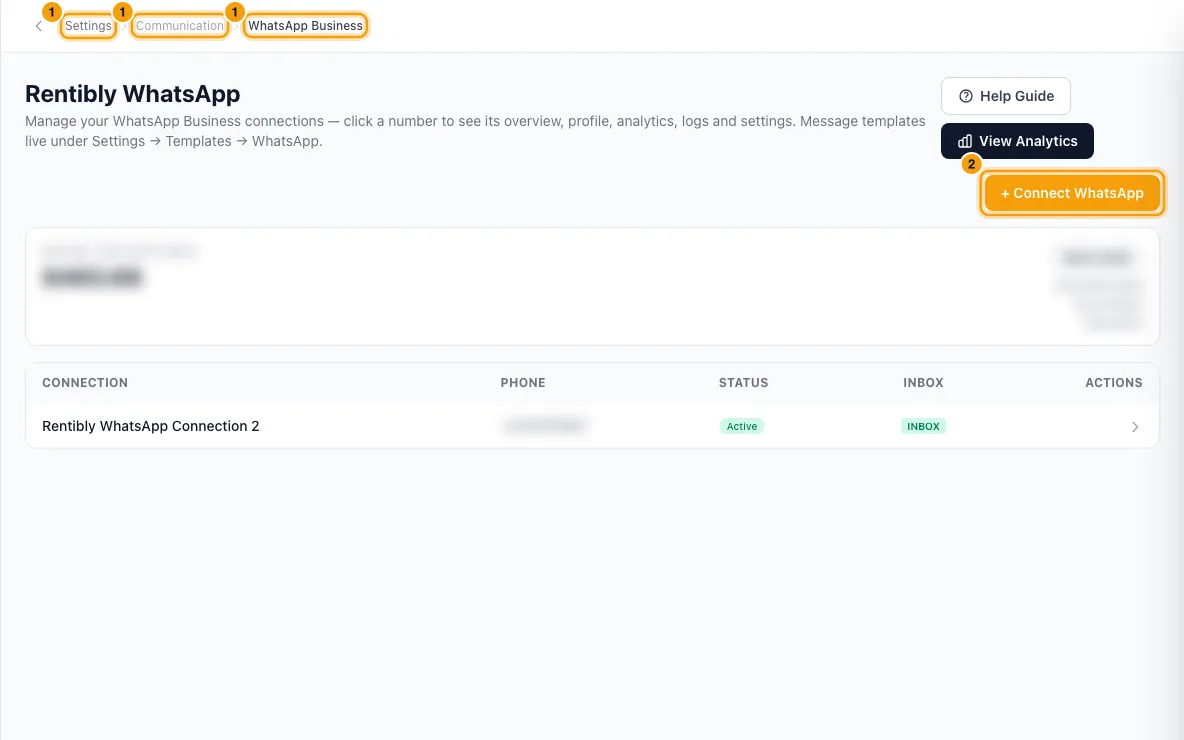
Click + Connect WhatsApp. Choose Connect a new number or Migrate an existing number. Choose Migrate if the number has ever sent template messages or been used on a WhatsApp Business API dashboard with any provider. Choose Connect if it has only been used in the WhatsApp or WhatsApp Business app on a phone.
New number: click Continue with WhatsApp Setup →. In Meta's popup, choose or create your Meta Business account, pick or buy a phone number and verify it. Your WhatsApp display name is set here.
Migration: tick every box on the Before you migrate checklist, click Continue to migration setup →, read the instructions, then click Continue — open Meta setup →. In Meta's popup, pick the WhatsApp Business Account the page tells you to, then verify the number with the 6-digit code.
Wait on Finalizing your connection… until you see WhatsApp connected. Click Go to Account Settings →. This opens the number's Settings tab.
On the Settings tab, change the Label, Show in Inbox, Default for new conversations, Active and Send read receipts if you need to.
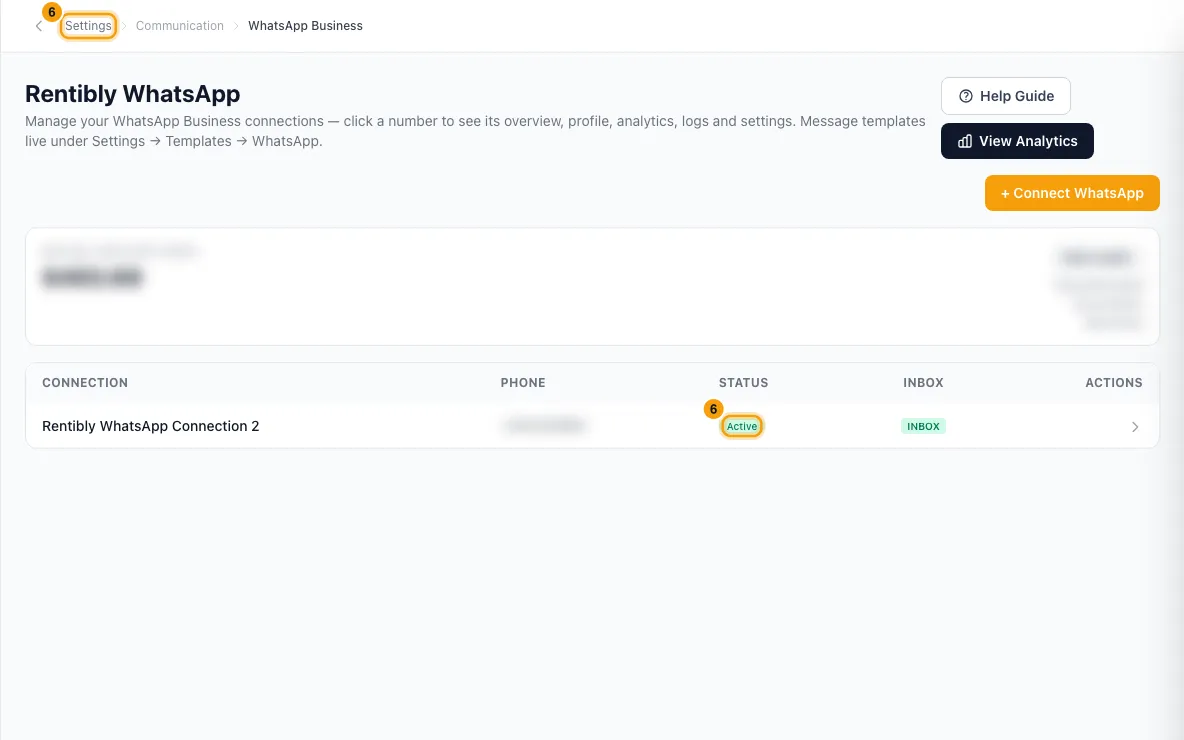
Under Team assignment, choose who can see this number's conversations in the Inbox and send from it. Leave Users and Roles empty for everyone, or tick specific users or roles. Click Save.
Open the Profile tab and fill in your business details (photo, about, description, email, address, websites). Click Save changes.
To create a template, go to Settings → Templates, open the WhatsApp tab and click + Add Template. Fill in the form, click Next →, enter a sample for each variable and click Submit to Meta. The full steps are in Manage message templates.
Good to know
- The popup: setup takes 2–5 minutes. If your browser blocks the popup, use the link that appears to open it in a new tab. A connection you start but never finish is removed after 48 hours.
- Migration: turn off two-step verification on the number at your current provider first, or Meta rejects the move. The number stops working at your old provider within seconds of verifying the code. Approved templates do not move over: recreate them on the WhatsApp tab of Templates.
- Show in Inbox is on for a new number. Turn it off to use the number only for automated messages. Default for new conversations decides which number a conversation is given when it starts without a WhatsApp message (for example a lead from Bayut or Property Finder). Only one number can be the default.
- Active off pauses sending without disconnecting the number.
- Team assignment limits both the Inbox view and sending: someone not ticked (and not in a ticked role) doesn't see the number's conversations and can't send from it.
- Display name changes are made in Meta Business Manager, not here, and Meta re-verifies them (1–5 business days). The photo can be replaced but not removed.
- Disconnect is on the Settings tab under Danger zone. The window explains what you keep and what you lose before you confirm.
- Templates: Meta reviews each one; the result is shown on the template and sent to you as a notification. You can't edit a template while Meta is reviewing it, and once it has been submitted you can't change its Name or Language.
- Sending WhatsApp messages uses your WhatsApp credit. See Top up WhatsApp credit.
- You need the Settings permission set to Access to connect, change or disconnect a number.
- Full guide: the Help Guide button on the WhatsApp Business page.
Rentibly AI can help
- It can draft a WhatsApp marketing template for campaigns and submit it to Meta. It can also submit a draft template it made for a notification rule. You confirm each one on a card.
- It can't connect, migrate or disconnect a number.
Still stuck?
Open Support from your profile menu in Rentibly, or email hello@rentibly.com — we answer fast.