Importing your data — Rentibly How-to
How-to: Data & Reports · Part 1 of 6 · 2:08 · 6 chapters · Watch on YouTube
Chapters
Read the transcript
Hey, and welcome to this Rentibly how-to: importing your data. Let's bring in a spreadsheet of past guests — and see how your data comes back out. Here's what we'll cover — the chapter times are right here, and in your player. Let's get started.
Moving to Rentibly with a spreadsheet of past guests? Settings, Data Management, Import and Export. Three tabs: Import, Export, and Data requests. Start with Import, and choose what you're bringing in — contacts, properties, expenses and more. We'll pick contacts: the file only needs a first and last name.
Next, and upload the file — a CSV, with the column names in the first row. Rentibly matches each column to a contact field on its own, and shows a sample value so you can check it. Anything it can't place, like favourite room here, is simply skipped.
Preview shows the first rows exactly as they'll be saved: three guests, ready to go. Start Import checks the whole file, then saves them. Imports can't be undone in one click, so it's worth a careful look here first — we'll stop at the preview.
Export goes the other way. Pick a module, keep the columns you want, and Download CSV — the file comes straight to your computer. And Data requests: when a guest asks for their personal data, find them, and see exactly what their file will include — and what's held back, like your staff notes and bank details. Prepare data file downloads it for you to send on. Every download is recorded in the activity log.
Thanks so much for watching! If you're already on Rentibly, open Settings, Data Management, Import and Export, and bring in the contacts you still keep in a spreadsheet. And if you're not on Rentibly yet, book a demo call, and we'll show you all of this, live.
Bring a spreadsheet of contacts into Rentibly, export your data, and answer a guest's request for their personal data. Shown live on a real Rentibly workspace.
More in Data & Reports
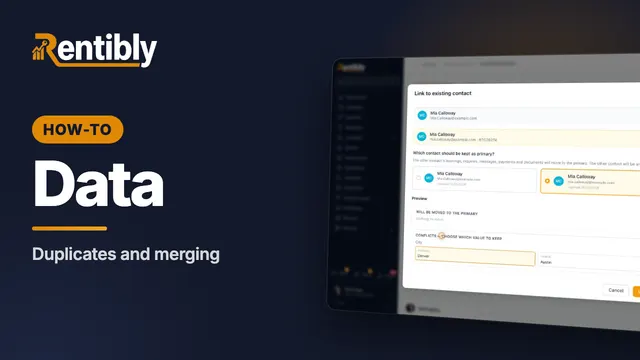 1:57
1:57How-to · Part 2
Duplicates and merging
Find guests who are in Rentibly twice, merge them into one record, and undo a merge if you need to. Shown live on a real Rentibly workspace.
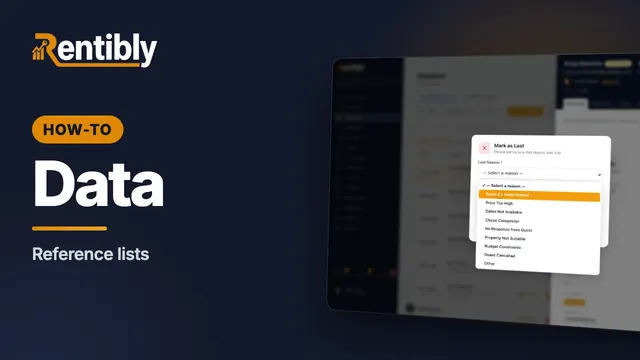 2:13
2:13How-to · Part 3
Reference lists
Sources, tags and lost reasons: the lists behind your reports — and how to add your own. Shown live on a real Rentibly workspace.
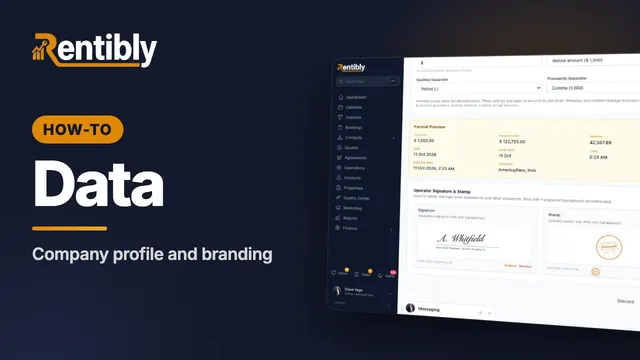 2:02
2:02How-to · Part 4
Company profile and branding
Your company details, time zone and formats, business hours, signature and stamp — and the logos on everything you send. Shown live on a real Rentibly workspace.
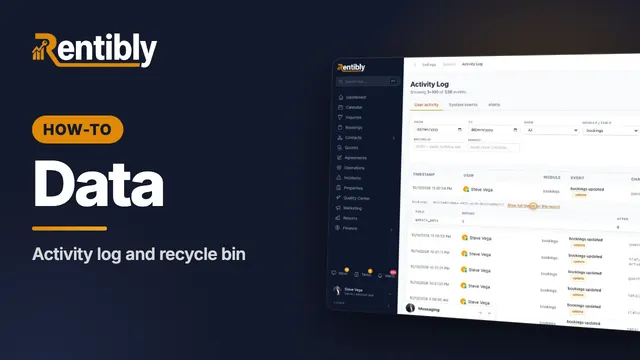 1:37
1:37How-to · Part 5
Activity log and recycle bin
See who changed what, field by field — and bring back a record that was deleted by mistake. Shown live on a real Rentibly workspace.
 1:54
1:54How-to · Part 6
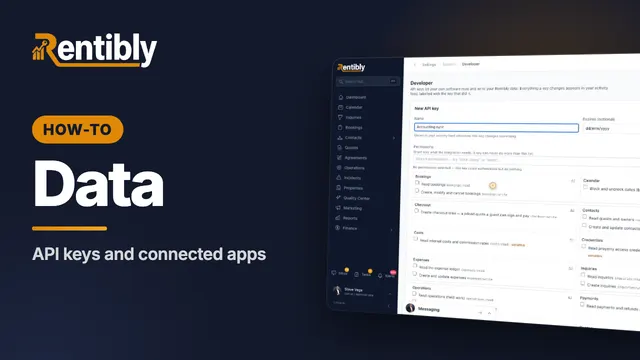
API keys and connected apps
Give your own software safe access to your Rentibly data with an API key — plus webhooks and Zapier. Shown live on a real Rentibly workspace.
Count your subscriptions. Then count ours.
A 30-minute demo on your numbers — every tool you pay for today, mapped to its native Rentibly module.
Book a demo