Rentibly How-to
Data & Reports
Dashboards, reports and the numbers behind them.
6 films · 12 minutes · The playlist on YouTube
 2:08
2:08Part 1
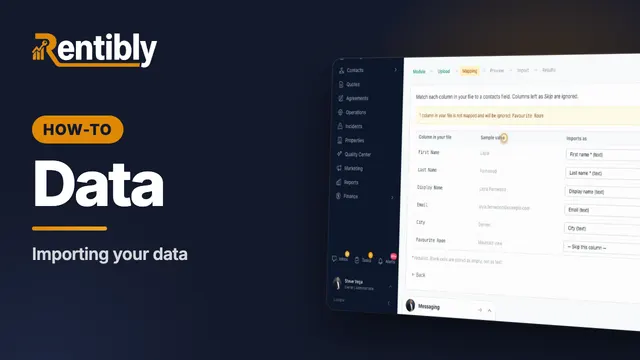
Importing your data
Bring a spreadsheet of contacts into Rentibly, export your data, and answer a guest's request for their personal data. Shown live on a real Rentibly workspace.
 1:57
1:57Part 2
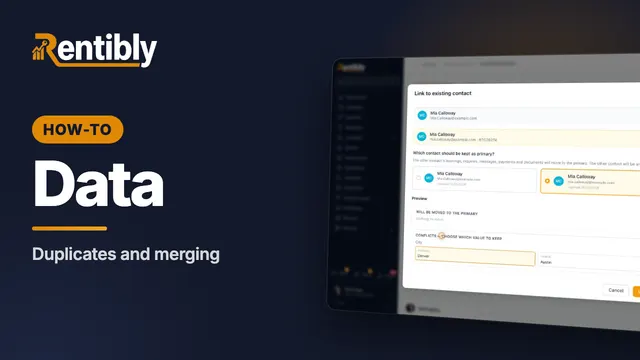
Duplicates and merging
Find guests who are in Rentibly twice, merge them into one record, and undo a merge if you need to. Shown live on a real Rentibly workspace.
 2:13
2:13Part 3
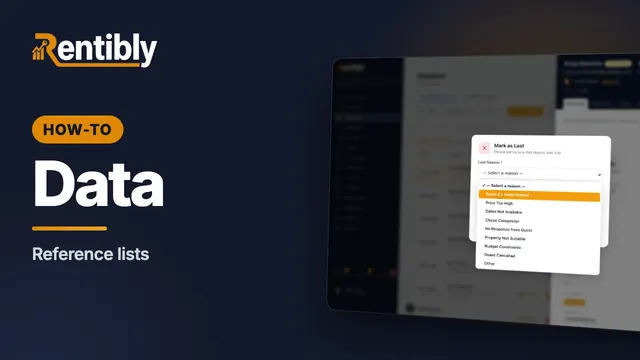
Reference lists
Sources, tags and lost reasons: the lists behind your reports — and how to add your own. Shown live on a real Rentibly workspace.
 2:02
2:02Part 4
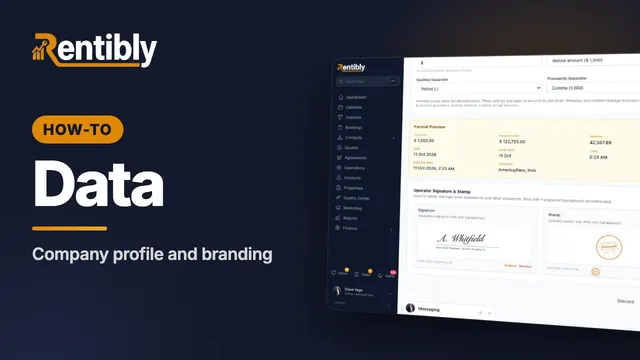
Company profile and branding
Your company details, time zone and formats, business hours, signature and stamp — and the logos on everything you send. Shown live on a real Rentibly workspace.
 1:37
1:37Part 5
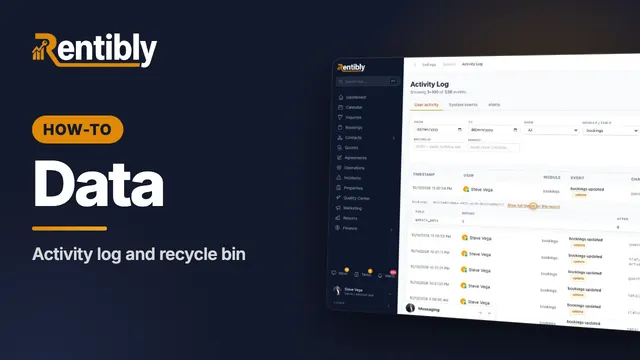
Activity log and recycle bin
See who changed what, field by field — and bring back a record that was deleted by mistake. Shown live on a real Rentibly workspace.
 1:54
1:54Part 6
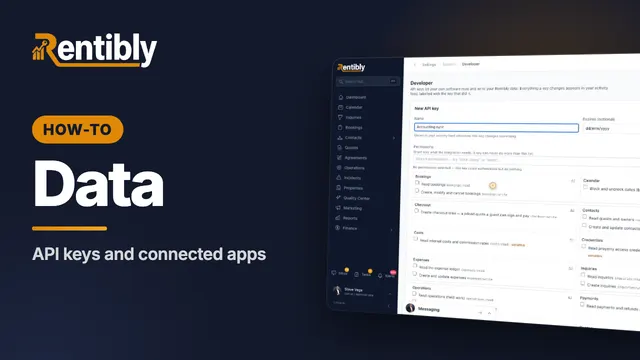
API keys and connected apps
Give your own software safe access to your Rentibly data with an API key — plus webhooks and Zapier. Shown live on a real Rentibly workspace.
Count your subscriptions. Then count ours.
A 30-minute demo on your numbers — every tool you pay for today, mapped to its native Rentibly module.
Book a demo