The owner portal — Rentibly How-to
How-to: Owners · Part 6 of 7 · 2:13 · 7 chapters · Watch on YouTube
Chapters
Read the transcript
Hey, and welcome to this Rentibly how-to: the owner portal. Let's sign in as one of our owners, and see exactly what he sees. Here's what we'll cover — the chapter times are right here, and in your player. Let's get started.
Your owners get a portal of their own, at owners dot rentibly dot app. There's no password to remember: they enter their email, and Rentibly sends them a six-digit code. They type it in, and they're straight into their own numbers — only the homes they own, nobody else's.
Here's Levi, who owns six of our homes. The overview shows what his homes have earned over the last twelve months, and how full they've been. Switch to On the books, and it's the confirmed bookings still to come — not a forecast. Then the month-by-month picture, home by home.
Statements are where owners spend most of their time. Each month's statement appears here once you release it — with what the bookings earned, the expenses, and what was paid. Open September: every booking, every cost, and the net, with a PDF to download. Payouts lists every transfer you've made, with the reference and the statement it paid — and the balance, which is zero: Levi's all settled.
Bookings shows every stay at his homes — who's staying, from which channel, for how long. And the calendar lays it all out, month by month, with any owner stays you've added for him.
Expenses breaks down every cost by category and month. Documents holds the files you share — his management agreement, his tax summary. And Chat sends a message straight to your team's inbox. Everything here is read-only for the owner: they see it, you run it.
Thanks so much for watching! If you're already on Rentibly, open Settings, Owners, Owner Portal, and switch on access for your owners. And if you're not on Rentibly yet, book a demo call, and we'll show you all of this, live.
What your owners see when they sign in: their earnings, statements, payouts, bookings, calendar, expenses and documents. Shown live on a real Rentibly workspace.
More in Owners
 2:57
2:57How-to · Part 7
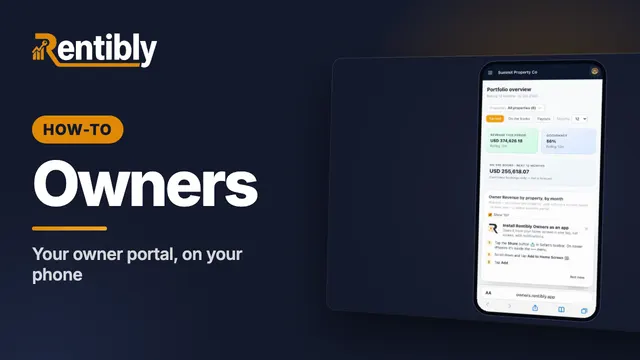
Your owner portal on your phone (for owners — share it with them)
Your owner portal, on the web and on your phone: sign in with a code, see what your homes have earned, open your statements and payouts, install the portal as an app on your iPhone or Android phone, and turn on notifications for new bookings, statements and payouts. Questions? Message your property manager from Chat, right inside your portal.
 2:27
2:27How-to · Part 1
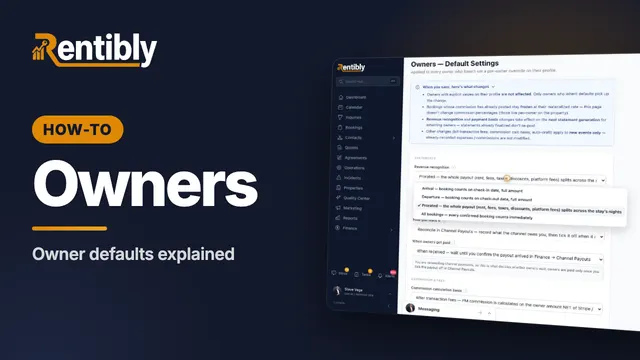
Owner defaults
The rules behind every owner statement: when revenue counts, cash or accrual, channel-collected money, commission and fees, and payouts. Shown live on a real Rentibly workspace.
 2:17
2:17How-to · Part 2
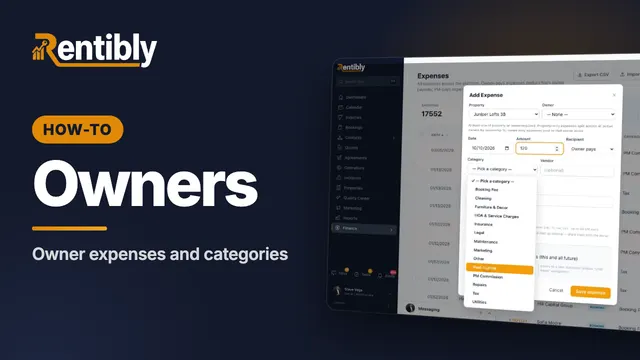
Owner expenses and categories
Set up the expense categories your team logs costs against, record an owner-paid expense with its receipt, and keep regular costs on a schedule. Shown live on a real Rentibly workspace.
 2:39
2:39How-to · Part 3
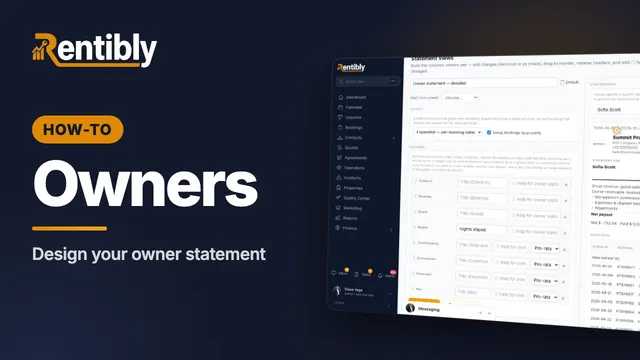
Designing the owner statement
Design how owner statements look with Statement Views: layout, columns, the gross-to-net summary, the expenses section and the PDF — with a live preview. Shown live on a real Rentibly workspace.
 2:24
2:24How-to · Part 4
Importing historical statements
Moving from another system? Record the statements your owners already received, so their balance and portal carry on where you left off. Shown live on a real Rentibly workspace.
 2:08
2:08How-to · Part 5
Winning new owners
Track owner leads from first contact to signed: the Owner Inquiries pipeline, adding a lead, moving it through each stage, and recording why deals are lost. Shown live on a real Rentibly workspace.
Count your subscriptions. Then count ours.
A 30-minute demo on your numbers — every tool you pay for today, mapped to its native Rentibly module.
Book a demo