Rentibly Quality Center — Overview
4:27 · 9 chapters · Watch on YouTube
Chapters
Read the transcript
Hey, and welcome to this overview of Rentibly Quality Center! I'll show you what guests are saying across every channel, how healthy each listing is, and how to catch problems before a channel does. Here's everything we'll cover. Every chapter's start time is right here, and in your player — so if you're after something specific, jump straight to it. Let's dive in. So — this is Quality Center: what guests are saying about you,
how healthy your listings are, and exactly what to fix — across every channel. Up top, your overall rating: four point five three, from seven hundred and seventy-six reviews over the last year — just a touch under the year before. And this banner's the one to act on: six listings need attention — a dip in score, missing content, or a problem syncing with a channel. Everything here can be narrowed to a period, a single property, or one channel. And these cards jump you straight in: which reviews are showing on your website, and a validator that catches listing problems before a channel rejects them.
Scroll down, and there's the spread — six hundred and twenty-four five-star reviews, and not a single one-star. Next to it, listing health at a glance. Then how your score and your five-star rate have moved, month by month, against the year before.
And every category guests score you on — cleanliness, check-in, communication, location, value. See one slipping? Click it, and you land on exactly those reviews.
That's the Reviews tab — filtered to cleanliness. Every review from every channel in one table: the rating, the guest, the property, the booking it belongs to, and what they wrote. Click a review to read it in full, with the score for each category. And this toggle decides whether it shows on your website and in the owner portal. And most teams set Auto-show once and forget it. Right now, every review of four stars and up goes live on your website automatically — you only step in for the exceptions.
Listing Health is the other half of quality. Your portfolio rating, how many listings are in good standing — thirty-one of thirty-seven — how complete your content is, and any open problems with your channels. Each property gets its own row — score, reviews, completeness, channels — and anything slipping is flagged Attention, with the reason right underneath. Open one, and you see exactly what's measured: content completeness, guest reviews, whether the listing's live on every channel, sync errors, and changes still waiting to go out. Aqua Tower meets every one.
The Analyzer checks your listings against each channel's own rules — photos, descriptions, amenities, rates — and tells you what they'd reject, before you publish. Let's run it across every property. And there's the result, property by property. Aqua Tower 6E: one error and two warnings. Vrbo wants a description of at least four hundred characters — this one's two hundred and thirteen — the title's too short, and some dates have no base rate. Each one comes with a link straight to the place you fix it.
And Sentiment is where Rentibly AI reads the mood of every review and every guest conversation — so you spot an unhappy guest before they leave a bad review. It's switched off on this workspace; you turn it on in your Rentibly AI settings. And that's Quality Center — what guests think, what your listings need, and what to fix first, all in one place.
Thanks so much for watching! If you're already on Rentibly, open Quality Center and check Listing Health — start with anything flagged Attention. And if you're not on Rentibly yet, book a demo call, and we'll show you all of this, live.
What guests are saying across every channel, how healthy each listing is, and how to catch problems before a channel rejects them — reviews, category scores, listing health and the Analyzer. Shown live on a real Rentibly workspace.
Up next
 4:05
4:05Overview
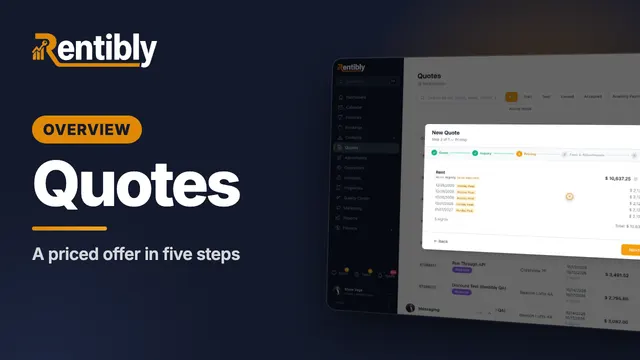
Quotes
Build a priced quote for a new guest in five steps — inquiry, night-by-night pricing, fees and deposit, payment schedule — then see the owner's share before you send it, and price any stay in seconds with the Rate Checker. Shown live on a real Rentibly workspace.
 3:47
3:47Overview
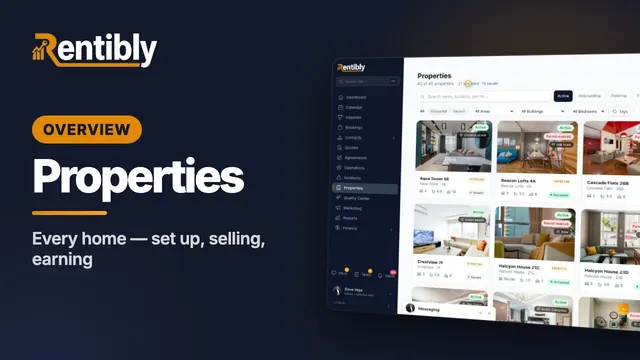
Properties
Your whole portfolio at a glance — then inside one home: its calendar, rates and booking rules, fees, rooms, owners and channels, what guests see, and how it's earning. Shown live on a real Rentibly workspace.
 7:24
7:24Overview
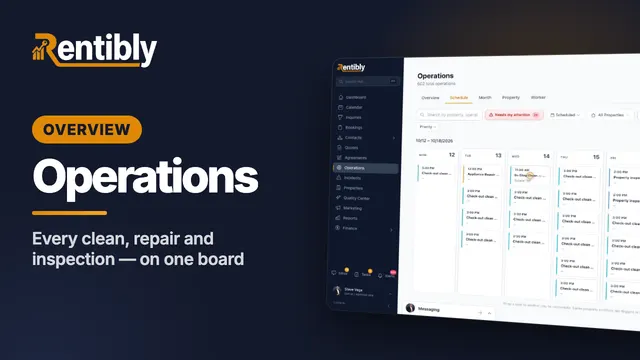
Operations
Every clean, repair and inspection on one board: the review queue and filters, creating a job and sending it to a cleaning company, the job up close, dragging it to another day, approvals, bulk actions, automations and vendor price lists. Shown live on a real Rentibly workspace.
Count your subscriptions. Then count ours.
A 30-minute demo on your numbers — every tool you pay for today, mapped to its native Rentibly module.
Book a demo