Rentibly Properties — Overview
3:47 · 8 chapters · Watch on YouTube
Chapters
Read the transcript
Hey, and welcome to this overview of Rentibly Properties! I'll show you your whole portfolio at a glance, then take you inside one home — its calendar, how it's set up to sell, what guests see, and how it's earning. Here's everything we'll cover. Every chapter's start time is right here, and in your player — so if you're after something specific, jump straight to it. Let's dive in.
So — this is Properties: every home you manage, at a glance. Forty active here — twenty-seven occupied tonight, thirteen vacant. Each card shows the photo, the area, bedrooms, baths and how many it sleeps — and a flag if a permit's expired.
Filter by status — active, onboarding, permits about to expire, owners on their way out, or archived. Show only the occupied homes, or only the empty ones. And narrow it by area, building or bedrooms. Prefer a table? Switch to the list view — every property on one screen, with its status and whether it's occupied.
Let's open Aqua Tower 6E. Up top, how it's performing: ninety-three bookings, over three hundred and thirty thousand in room revenue, an average nightly rate of eight hundred and fifty-one dollars, and stays of about four nights. Then the property summary — the unit, the address, bedrooms, baths, how many it sleeps, the permit — and the team assigned to it: the property manager, operations, and maintenance. Scroll down for the owners, the latest bookings and inquiries, and the key documents — everything about this home, on one page.
Every property has its own calendar — bookings as bars, and the price of every night, so you can see a gap and what it's worth at a glance. Configurations is how the home is set up to sell. Rates is where rate plans live — this home doesn't have any set up yet — and Channel pricing sets what each channel charges on top of your base price. Booking Rules — the cancellation policy, minimum stays, check-in days, how far ahead guests can book. Fees and discounts — cleaning, pets, taxes and the security deposit. Rooms — every bedroom and bathroom, and its beds. Owners — who owns it, their share, and their commission. And Channels — where it's listed: live on your own website, with Airbnb, Booking.com and Vrbo still to finish setting up.
Listing Content is what guests read: amenities, house rules and safety, descriptions for each channel, photos — with a full-screen gallery — and the house guide, with a live preview of exactly what your guest will see.
Analytics shows how it's earning — revenue, occupancy, average rate and RevPAR — overall, or channel by channel. And the rest of the tabs keep everything tied to this home in one place: its bookings, inquiries, operations, incidents, tasks, notes and documents. And that's Properties — every home, how it's set up, how it's selling and how it's earning, all in one place.
Thanks so much for watching! If you're already on Rentibly, open Properties and filter for Vacant — those are the homes to fill next. And if you're not on Rentibly yet, book a demo call, and we'll show you all of this, live.
Your whole portfolio at a glance — then inside one home: its calendar, rates and booking rules, fees, rooms, owners and channels, what guests see, and how it's earning. Shown live on a real Rentibly workspace.
Up next
 6:59
6:59Overview
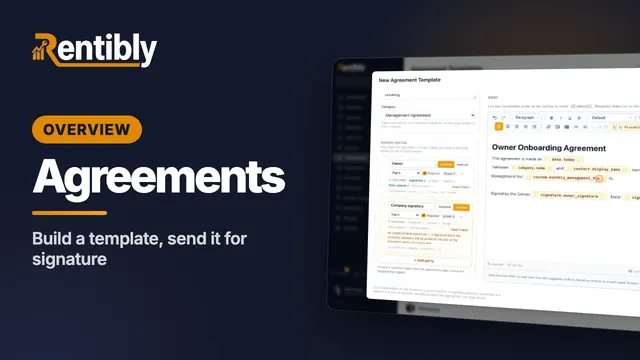
Agreements
Where every contract your company signs lives — then build an agreement template from scratch with signing parties, merge fields, custom and signature fields, and send it for signature. Shown live on a real Rentibly workspace.
 7:24
7:24Overview
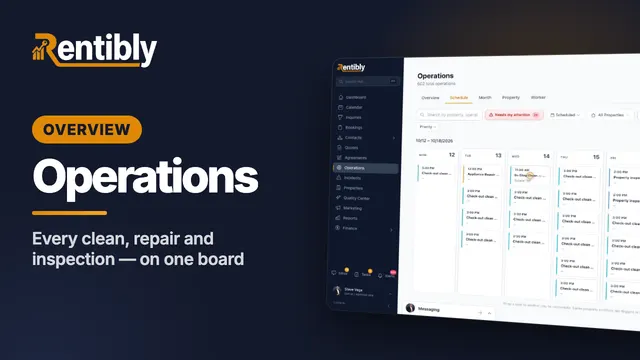
Operations
Every clean, repair and inspection on one board: the review queue and filters, creating a job and sending it to a cleaning company, the job up close, dragging it to another day, approvals, bulk actions, automations and vendor price lists. Shown live on a real Rentibly workspace.
 2:37
2:37Overview
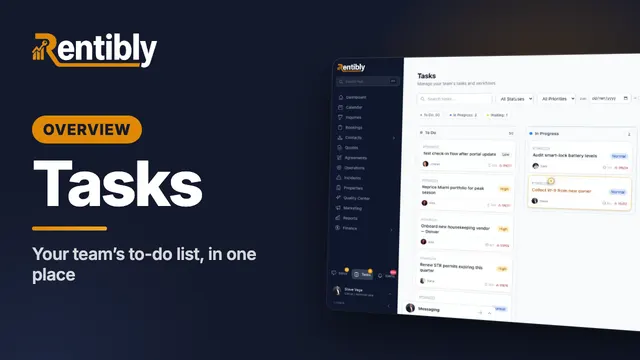
Tasks
Your team's to-do list in one place: the board and list views, filters and grouping by due date, what's inside a task, and adding a new one with a checklist. Shown live on a real Rentibly workspace.
Count your subscriptions. Then count ours.
A 30-minute demo on your numbers — every tool you pay for today, mapped to its native Rentibly module.
Book a demo