A direct booking, start to finish — Rentibly How-to
How-to: Bookings & Guests · Part 1 of 6 · 5:34 · 10 chapters · Watch on YouTube
Chapters
Read the transcript
Hey, and welcome to this Rentibly how-to: a direct booking, start to finish. A guest emails about our Denver loft — and we'll take her from first message to confirmed booking. Here's what we'll cover — the chapter times are right here, and in your player. Let's get started.
A guest gets in touch directly — say, by email — asking about Juniper Lofts for four nights in November. Every enquiry like that starts in Inquiries. New Inquiry. Her name, Hannah Whitaker. Her phone, and her email — that's how Rentibly links her to a contact. Source: direct. The home she asked about: Juniper Lofts. Check-in on the sixteenth of November, check-out on the twentieth, two guests. And a note: she's in town for a wedding, and would love an early check-in. Create Inquiry. There she is, at the top — stage New. Open her inquiry: the dates, the home, her note, and the contact Rentibly made for her. Once you've been in touch — a reply, or a quick call — mark her Contacted. Now Create Quote appears, right here.
From Hannah's inquiry: Create Quote. The wizard knows who she is, which home, her dates and two guests — so it opens on step two, already filled in. Next. Pricing: four nights at the home's base rate, two hundred and forty-five a night — nine hundred and eighty in all. The note at the top just says no season covers these dates, so the base rate is used. Need a different price? The pencil overrides the total. Next.
Now the fees. Add Fee: cleaning, ninety-five dollars. And she asked to arrive early — so Early Check-in, forty. Every fee comes from your catalog, so Rentibly knows if it's taxed and who the money belongs to. Discounts and taxes are added here too. Next.
Then how she pays. Partial payment: half now, and the balance on the second of November. She'll pay by bank transfer, so Offline Payment — and the method, Bank Transfer. Her payment instructions show on the quote. The quote is valid for seven days. Tick Hold these dates, and no one else can book them while she decides. Her cancellation policy and the rental agreement are already picked — they come from the home's defaults. Create Quote.
Here's the quote — a draft, with the total, the fees and her payment schedule. Share Quote gives you the options: copy her link, preview it as she'll see it, download it, or send it. I'll copy the link and send it to her myself. Then Mark Sent, so everyone knows it's with her. As the box says, that only updates the status — it doesn't send anything.
This is what Hannah sees when she opens her link. Her name, the home and her dates. Every charge, line by line — and her payment schedule: half now, the rest on the second of November. Continue. Her details are already filled in, from the inquiry. She just adds her date of birth. Save and continue.
Next, the cancellation policy, and the rental agreement — with her name, the home, her dates and the house rules all filled in for her stay. She types her name, signs with a finger or the mouse, and Sign and continue. Last step. This quote is set to offline payment, so there's no card form — she sees your bank transfer details instead. She ticks that she'll arrange the transfer, and Confirm Booking. That's her side done. The quote is accepted, and her page now shows it's waiting for her payment. The booking itself is made in the Hub — when her transfer arrives, or as soon as you confirm it.
Back in the Hub, Hannah's quote now says Accepted — signed, with her dates still held. She's told us she'll pay by transfer, and we're happy to confirm her stay now. Confirm Booking. Rentibly checks what's about to happen: it creates the booking from this quote. Any payment she makes is recorded on the booking afterwards — and her signed agreement comes with it. Confirm Booking. And she's booked. Here's her booking: confirmed, with Hannah as the guest at Juniper Lofts — four nights, Monday the sixteenth to Friday the twentieth. Eleven hundred and fifteen dollars in all, and nothing paid yet, so it's marked Unpaid. On the Payments tab: her schedule — the deposit due now, and the balance on the second of November. When her transfer lands, you record it right here; that's the next film. The dates are now closed on Juniper's calendar, and the inquiry has moved to Booked.
Thanks so much for watching! If you're already on Rentibly, open Inquiries, pick a guest who's waiting, and send them a quote they can sign and accept. And if you're not on Rentibly yet, book a demo call, and we'll show you all of this, live.
Take a direct enquiry all the way: the inquiry, a quote with fees and a payment schedule, the guest signing and accepting, and the confirmed booking. Shown live on a real Rentibly workspace.
More in Bookings & Guests
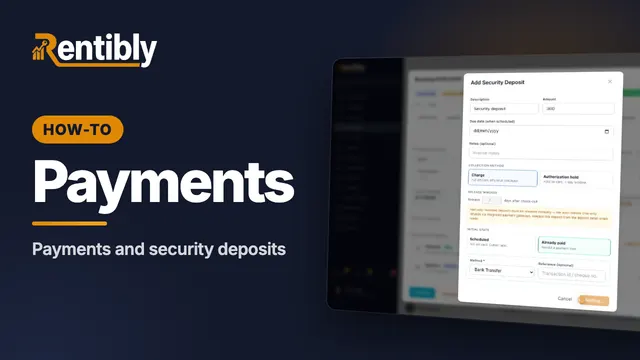 2:29
2:29How-to · Part 2
Payments and deposits
Record a guest's bank transfer against their payment schedule, add a refundable security deposit, see how it's returned, and find every payment in Finance. Shown live on a real Rentibly workspace.
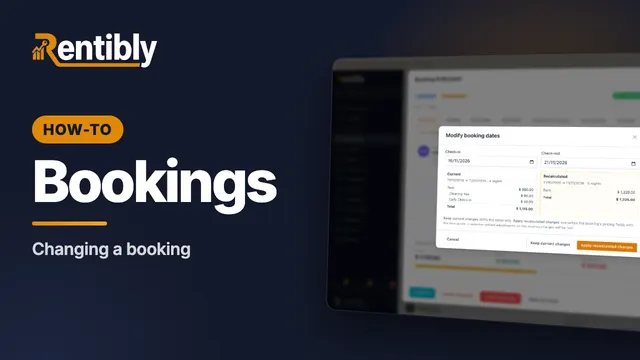 2:44
2:44How-to · Part 3
Changing a booking
Change a confirmed booking the right way: the guest count, new dates and how re-pricing works, moving to another home, and adding a charge mid-stay. Shown live on a real Rentibly workspace.
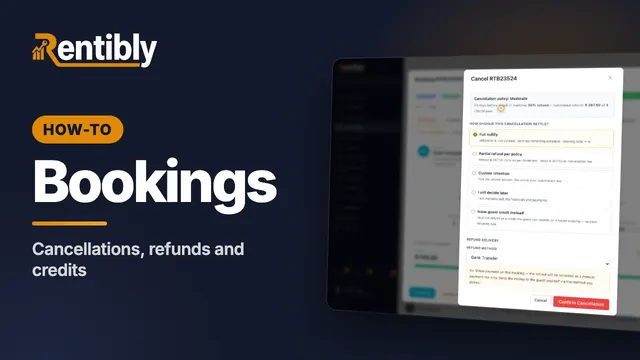 2:10
2:10How-to · Part 4
Cancellations, refunds and credits
Cancel a paid booking under its policy: the refund Rentibly calculates, the five ways to settle, guest credit, and where the refund shows up. Shown live on a real Rentibly workspace.
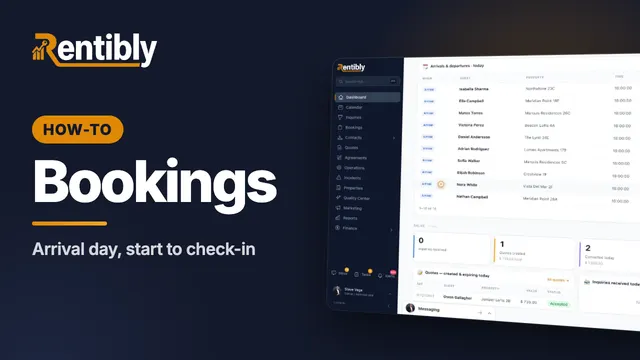 2:32
2:32How-to · Part 5
Arrival day
Run an arrival day: the Today dashboard, checks before a guest arrives, recording a door code, adding an early check-in fee, and checking the guest in. Shown live on a real Rentibly workspace.
 1:50
1:50How-to · Part 6
The guest portal
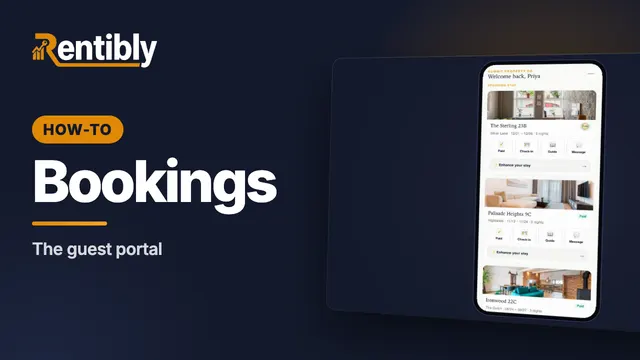
What your guests see on their phone: every stay in one place, the house guide, extras to add, and messages to your team. Shown live on a real Rentibly workspace.
Count your subscriptions. Then count ours.
A 30-minute demo on your numbers — every tool you pay for today, mapped to its native Rentibly module.
Book a demo