Rentibly Bookings — Overview
7:20 · 13 chapters · Watch on YouTube
Chapters
Read the transcript
Hey, and welcome to this overview of Rentibly Bookings! I'll show you how to find any reservation in seconds, take a brand-new booking from start to finish, and run it — from payments and owner economics to changes and cancellations. Here's everything we'll cover. Every chapter's start time is right here, and in your player — so if you're after something specific, jump straight to it. Let's dive in.
Hey — welcome to Bookings. Every reservation lives here — the ones that come in from Airbnb, Booking.com and Vrbo, the ones you take direct, and your owners' own stays. Up top, the numbers that matter: everything on the books, who's staying tonight, what's coming up, and what's still owed.
And these aren't just numbers — they're filters. Click Currently Staying, and the list is exactly the guests in house right now. Outstanding shows every booking with money still to collect — the balance in red, right there on the row. Owner stays get their own tab — when an owner blocks out their own place — and All brings everything back together.
Looking for someone? Search by booking reference, guest or property. Ryan Young — and there are all of his stays, with the dates, the source, the status and what he still owes. Every column filters, too. Dates has quick ranges — today, this week, the next thirty days — or a custom range. Status lets you pull out the warnings — like a guest whose check-in date has passed but who was never marked as arrived. Hover the pill, and it tells you exactly what to do about it. Payment does the same for money — unpaid, partially paid, overdue, or an unpaid security deposit.
Columns lets you choose what the list shows, and drag them into the order you like. And Export gives you a spreadsheet of exactly what you've filtered — with your fees combined, or broken out one by one.
Now let's take a booking. Sienna — who called us last week — wants a place for Christmas. New Booking. First, the guest: I'll start typing her name… and there she is. Next, what she asked for. Her inquiry is already here, so I'll pick it up — the property, her dates, her guests and her details all come straight across. Palisade Heights 9C, the twenty-first to the twenty-sixth — and the calendar's already checked them: Available. If those nights were taken, or broke one of the property's rules, it would stop me right here, before anything's saved.
Pricing comes from the property's own rates — night by night, holiday rates and all. Five nights, and you can still adjust the total by hand if you agree a different price. Then fees, discounts and taxes. The cleaning fee is added automatically, and there's a refundable security deposit — collected separately, and returned after checkout. And finally, how she'll pay. All at once, a deposit now and the rest later, or your own installments. She'll pay by bank transfer, so I'll choose Offline — you just record it when the money lands. Everything checks out. Create Booking — and it's confirmed. Those nights are now taken everywhere you sell — on your calendar, and on every channel you're connected to.
And here's Sienna's booking, open the moment it's created. Everything about the stay sits on one screen: the guest, the property, the dates, and a financial snapshot — what it's worth, what's been paid, and what's still due. And see this? It remembers where the booking came from — her inquiry, all the way to the reservation.
Guests is where check-in happens. There's a digital check-in link for her to fill in before she arrives, every guest's ID once they're checked in — and the door code for a smart lock. Financials breaks the stay into every line — rent, cleaning, taxes — and keeps a history of every change, with the reason it was made. Payments is the money side: what's been received, the payment schedule, the security deposit — and an Actions menu to send a payment link, charge a saved card, record a bank transfer, or issue a refund. Owner Economics shows how the stay splits — what the owner earns, what you keep, and the fees in between. It's exactly what lands on their statement. Documents holds the rental agreement and any files for the stay. And Notifications shows every message about this booking — what's been sent, and what's still scheduled to go out.
Now let's add a few things. A tag — she's a VIP. Tags make bookings easy to find later — filter the whole list by VIP in one click. A note for the team — and if you flip Owner-visible, the owner sees it in their portal. This one's just for us. And a task, so the hamper actually happens. It can have a priority, someone to own it and a due date — and it's linked to this booking, so nothing gets lost.
And History keeps score: every change to this booking — what changed, who did it, and when.
Plans change, so let's say she wants one more night. Modify Booking asks what you'd like to change — dates, guests, the source, the policy, or even a different property. I'll move her check-out a day later… and before anything changes, it shows you the price side by side — the current charges, and the recalculated ones — so you decide which to keep. I won't save this one. Back out, and nothing's changed — her booking's exactly as it was. Cancelling works the same way. Cancel Booking works out the refund from her cancellation policy, and gives you a choice: a full refund, a partial one by the policy, a custom amount, decide later, or turn it into credit for a future stay. Again — just looking. And when the day comes, it's one click — Check In, and later Check Out — or Mark No Show if they never arrive. And that's Bookings. Every reservation in one place, the money down to the last line — and nothing changes without you seeing the price first.
Thanks so much for watching! If you're already on Rentibly, open Bookings and click Currently Staying — that's everyone you're looking after tonight. And if you're not on Rentibly yet, book a demo call, and we'll show you all of this, live.
Find any reservation in seconds, take a brand-new booking from start to finish, and run it — payments, owner economics, notes and tasks, changes and cancellations. Shown live on a real Rentibly workspace.
Up next
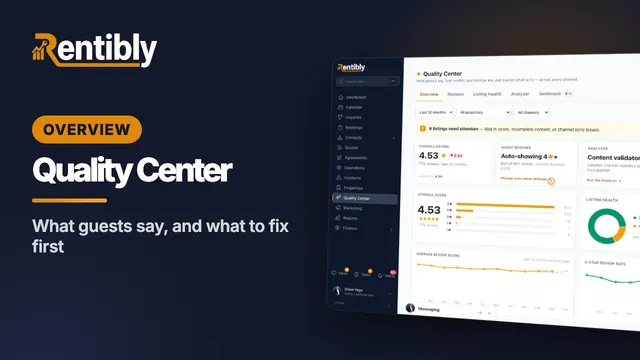 4:27
4:27Overview
Quality Center
What guests are saying across every channel, how healthy each listing is, and how to catch problems before a channel rejects them — reviews, category scores, listing health and the Analyzer. Shown live on a real Rentibly workspace.
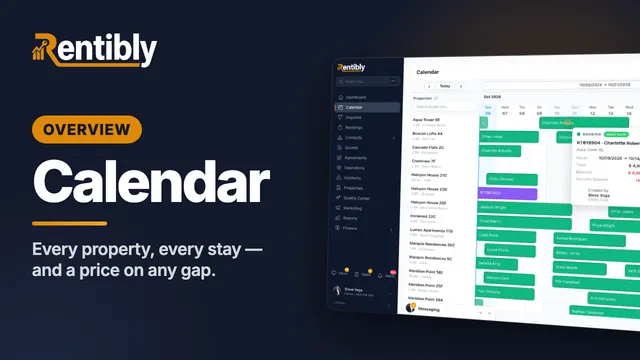 4:57
4:57Overview
Calendar
Read every property and every stay at a glance, get anywhere in the year in a couple of clicks, find exactly the right gap — and price it on the spot. Shown live on a real Rentibly workspace.
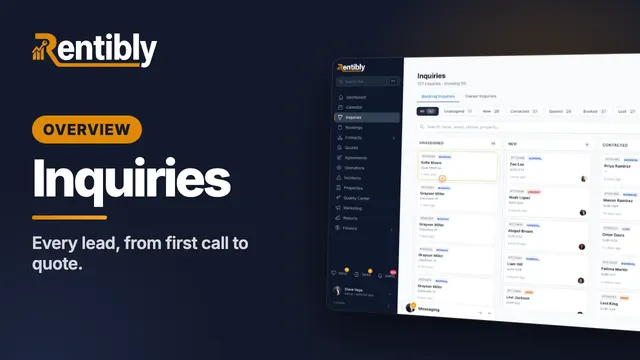 5:25
5:25Overview
Inquiries
Where every lead lands, how to find any of them in seconds — then one lead worked from the first phone call all the way to a quote: assigning, contacting, notes and @mentions, tasks, and what happens when a lead goes quiet. Shown live on a real Rentibly workspace.
Count your subscriptions. Then count ours.
A 30-minute demo on your numbers — every tool you pay for today, mapped to its native Rentibly module.
Book a demo