Rentibly Finance — Overview
3:31 · 9 chapters · Watch on YouTube
Chapters
Read the transcript
Hey, and welcome to this overview of Rentibly Finance! I'll walk you through the owner side — balances, statements and payouts — then the guest side: payments, what's still to come in, and your expenses. Here's everything we'll cover. Every chapter's start time is right here, and in your player — so if you're after something specific, jump straight to it. Let's dive in.
So — this is Finance: where the money comes in, where it goes, and what you owe. Let's start with your owners. Owner Balances is a running balance for every owner, pulled live from the ledger — right now, a hundred and ninety-seven thousand dollars owed to owners in total. And you can see at a glance who's owed what — or, in the rare case, which owners owe you. Sort by balance, filter by status, and hide the owners who've gone quiet with nothing owed.
Owner Statements are the monthly reports. Across all of them: bookings, expenses, the total, and your commission. Filter by date, owner, status or whether it's been paid. Open one, and it's all broken down: Mia Okafor's September — seventeen thousand three hundred in bookings, expenses taken off, a payout of fifteen thousand four hundred, and the commission you earned. Then every booking behind it, property by property. From here, statements are approved and released to the owner's portal — one at a time, or in bulk.
And Owner Payouts is the money you've actually sent: over a million dollars paid out, every one matched to a reference, and marked cleared once the bank confirms it.
Now the guest side. Guest Payments is every payment and refund across every booking: received, refunded, and what you've netted. Search by guest, property, booking or transaction, and filter by direction, status, method or source.
And Scheduled shows what's still to come in: the outstanding balance, anything overdue, and every installment, with its due date.
Channel Payouts is for the money Airbnb or Booking.com collect for you — it waits here until you confirm it's landed, then flows into the owner statements.
And Expenses: everything you spend, who pays it — the owner or you — and the booking or property it belongs to. Commission, taxes and cleaning fees land here automatically. Adding one takes seconds — the property or owner, the amount, who pays, a category, the vendor, and the receipt attached. And you can even hold it back from the owner's statement until a later month. And that's Finance — owner balances, statements, payouts, guest payments and expenses, all reconciled in one place.
Thanks so much for watching! If you're already on Rentibly, open Finance and check Owner Balances — that's exactly what you owe, right now. And if you're not on Rentibly yet, book a demo call, and we'll show you all of this, live.
Owner balances, statements and payouts, guest payments and scheduled installments, channel payouts and expenses — all reconciled in one place. Shown live on a real Rentibly workspace.
Up next
 2:37
2:37Overview
Reports
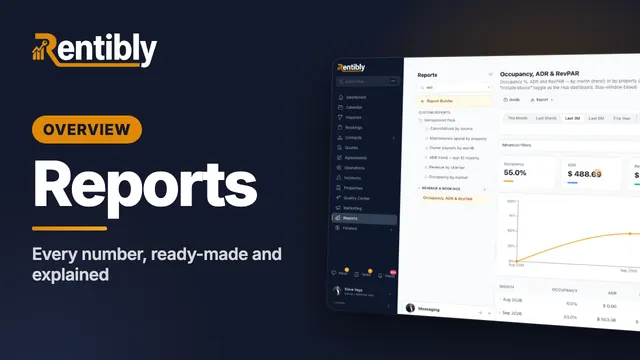
Find any report in seconds, look back or forward in time, group and filter, drill into the records behind a number, and see exactly how every metric is calculated. Shown live on a real Rentibly workspace.
 6:17
6:17Overview
Owner Statements
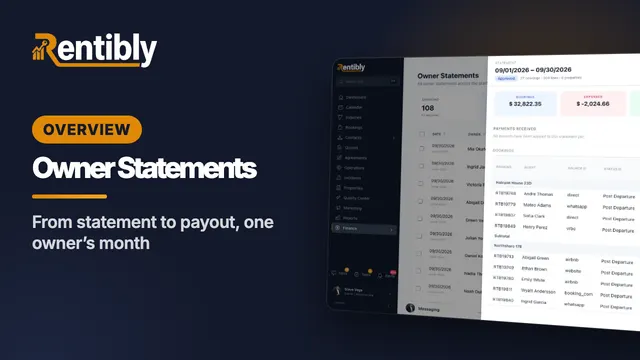
Follow one owner through a whole month: owner defaults, co-ownership and commission, generating and reading a statement line by line, approval and release, recording the payout, and owner balances. Shown live on a real Rentibly workspace.
Count your subscriptions. Then count ours.
A 30-minute demo on your numbers — every tool you pay for today, mapped to its native Rentibly module.
Book a demo